
The old version of this post promised ten automated live streaming tools, then listed eight, and a few of those were camera studios or video editors. I have rebuilt it around eight tools that actually schedule or loop pre-recorded videos so they go out as live streams, including 24/7 channels.
I use automated live streaming when I want the reach of a live video without sitting in front of a camera. You record the show once, then a tool sends it out as a live broadcast at a set time, or loops a playlist so the channel never goes off air. Viewers still see a live badge. You can still answer comments. You do not have to perform in real time.
I checked each vendor's public pricing page on 23 November 2026. Yearly billing is usually cheaper. Where a price depends on a promotion or a plan limit that was hard to pin down, I wrote check site. Livecaster is first because my team at Teknikforce makes it, and because it is the lowest priced tool here for scheduled and 24/7 pre-recorded streams, at $6.99 a month or $67 a year.
For every tool I link the official site, show a real screenshot of its public homepage, and embed an official demo or walkthrough I could verify. If you want a wider look at live camera studios and production apps, I already compared them in 8 Best Live Streaming Software in 2027 (Compared on Price). If you have never run a pre-recorded live stream, start with How to Run Your First Pre-Recorded Live Stream.
What automated live streaming actually is

Automated live streaming is a way to go live with a video you already recorded. The tool plays that file, or a playlist of files, into YouTube, Facebook, Twitch, TikTok or any other platform that accepts a live stream. Some people use it for a single scheduled show. Others loop a playlist so a music, tutorial or ambient channel stays live all day.
It is not the same thing as a camera studio. You are not switching live angles or talking to guests in the moment, unless the tool also has a studio mode. The point is consistency. The stream can start at 9pm in a country you are asleep in. It can keep a 24/7 channel on air while you make the next batch of videos.
Platforms treat this as a live event, with a live badge and a chat. I would still be honest with viewers. Do not present old footage as breaking news happening right now.
What I looked for
Before the prices, I asked a few practical questions of each tool.
- Can it go live from a recorded file or a playlist, not only from a webcam?
- Can you schedule a start time, loop a 24/7 channel, or both?
- Does it run in the cloud, so you can shut the computer, or is it a desktop app that needs to stay on?
- Which platforms does it support, and does it accept a standard RTMP destination?
- What starting price could I verify on the official pricing page?
That last point matters. Several prices in the old post were out of date, including Livecaster's. I have corrected them below.
The 8 automated live streaming tools compared
Prices below come from each company's own pricing page, read on 23 November 2026. Some sites were running a seasonal offer when I looked. I quoted the regular published price and noted where you should check site for a current promotion. Each name in the table goes to the official site.
| Tool | Starting price I verified | Where it runs | Best for |
|---|---|---|---|
| Livecaster | $6.99 a month or $67 a year | Desktop app on PC and Mac. The computer stays on. | Scheduled and 24/7 pre-recorded streams on a tight budget |
| Castr | From $19.99 a month, or $16.67 a month billed yearly | Cloud | Businesses that want cloud playout, hosting and multistreaming |
| Looping Stream | From $9 a month. A free trial is available. | Cloud | Simple 24/7 YouTube loops at a low monthly price |
| Upstream | Free plan, then from $30 a month, or $24 a month billed yearly | Cloud | 24/7 loops plus a browser studio, on one stream price |
| Gyre | From $49 a month for the Start plan. Check site for offers. | Cloud | Hands-off 24/7 YouTube channels built from your archive |
| Livepush | Free plan, then from $15 a month, or $13 a month billed yearly. 24/7 playlists start on Creators. | Cloud | Scheduled pre-recorded shows, and 24/7 playlists on a higher plan |
| OneStream Live | Free plan, then from $15 a month, or $144 a year. A 24-hour YouTube add-on is $30 a month. | Cloud | Multistreaming scheduled and pre-recorded shows to many platforms |
| LiveReacting | Free plan, then from $19.99 a month, or $16 a month billed yearly. The 24/7 plan is $39.99 a month, or $33 billed yearly. | Cloud | Interactive pre-recorded shows and dedicated 24/7 channels |
1. Livecaster, my first pick for scheduled and 24/7 streams
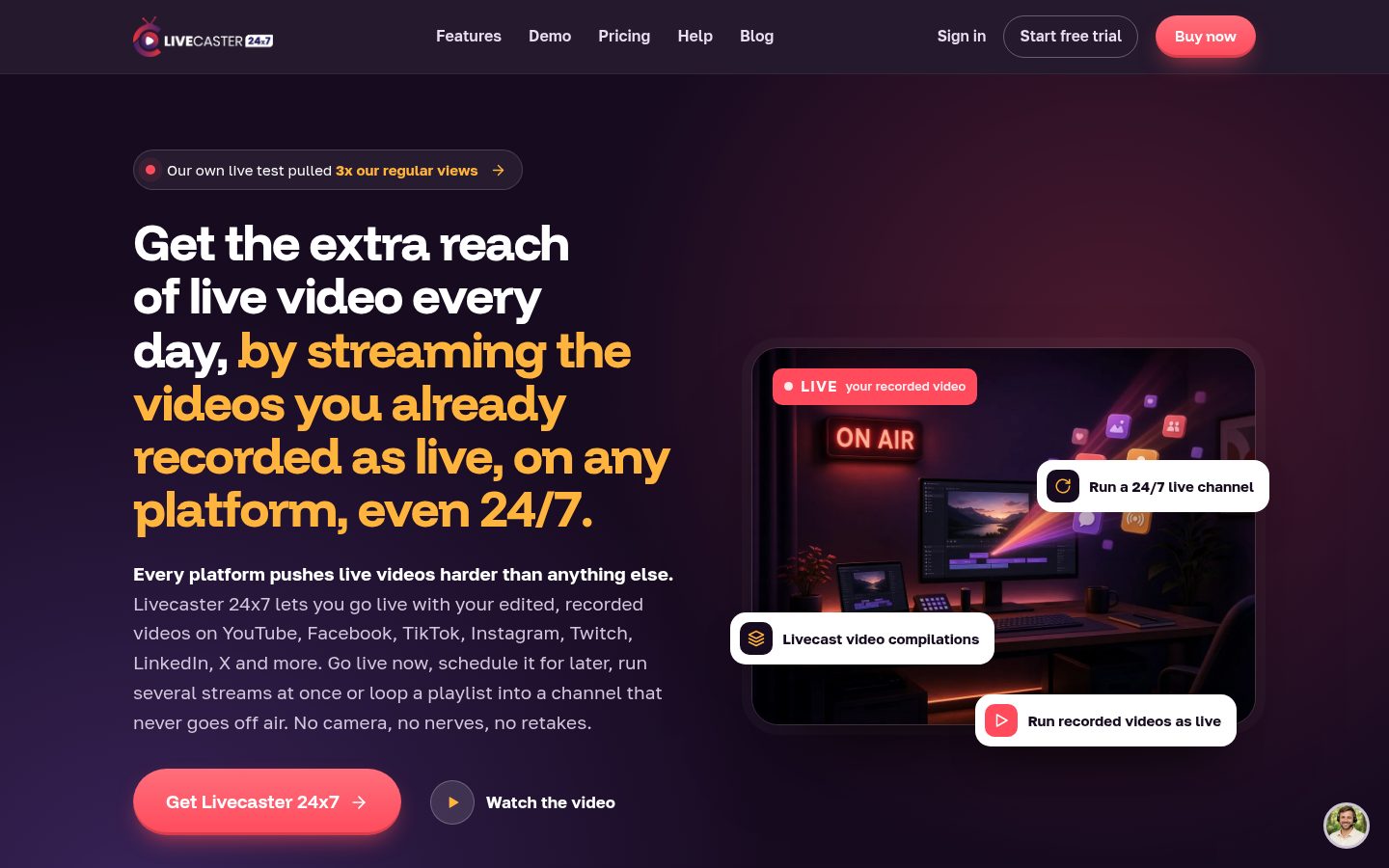
The official Livecaster homepage.
Best for creators, coaches, sellers and small businesses who want to stream videos they already have, on a schedule or as a 24/7 channel, without a high monthly bill.
Livecaster is built for one job. It lets you stream pre-recorded videos as live videos, on any platform that accepts an RTMP stream, without sitting in front of a camera. You add your videos, connect your channels, and go live now or at a time you set. You can group videos into Streams, which play one after another as a single live broadcast, and you can loop a stream so a channel stays live around the clock. It can run several livestreams at the same time, with the same video or different ones.
It is a desktop app for PC and Mac. You install it on your computer and run the livecasts from there, so that computer needs to stay on while a stream is running. That is the tradeoff against the cloud tools later in this list, which keep going after you shut the laptop. In return, the price is much lower. Elite is $6.99 a month or $67 a year, with a 30 day money back guarantee and 24/6 chat support.
Elite includes 500 streaming hours a month, up to 5 channels, up to 5 video collections and 5 simultaneous live streams, with a license for 1 computer. A channel that stays live all month is about 720 hours, so a true 24/7 calendar month is where the optional Pro upgrade to unlimited hours matters. Pro is added inside Livecaster and also raises the license to 3 computers. The sales page does not list a separate public price for that upgrade.
Supported destinations include YouTube, Facebook, TikTok, Instagram, Twitch, LinkedIn, X, Amazon, Restream and other RTMP targets. There is a built-in converter for common video formats, a downloader for YouTube videos you have permission to use, reports, and an email alert if a scheduled stream fails.
Teknikforce publishes its own reach tests on the Livecaster sales page, including a week on The School of Digital Marketing YouTube channel and a same-video live versus not-live check on Facebook and YouTube. Those are the company's own numbers, not a general industry rule. Your results will depend on your content, your audience and the platform.
The official walkthrough above is the Livecaster 24x7 demo on Teknikforce's Vimeo channel, the same demo linked on the Livecaster sales page.

2. Castr, cloud playout and hosting for businesses
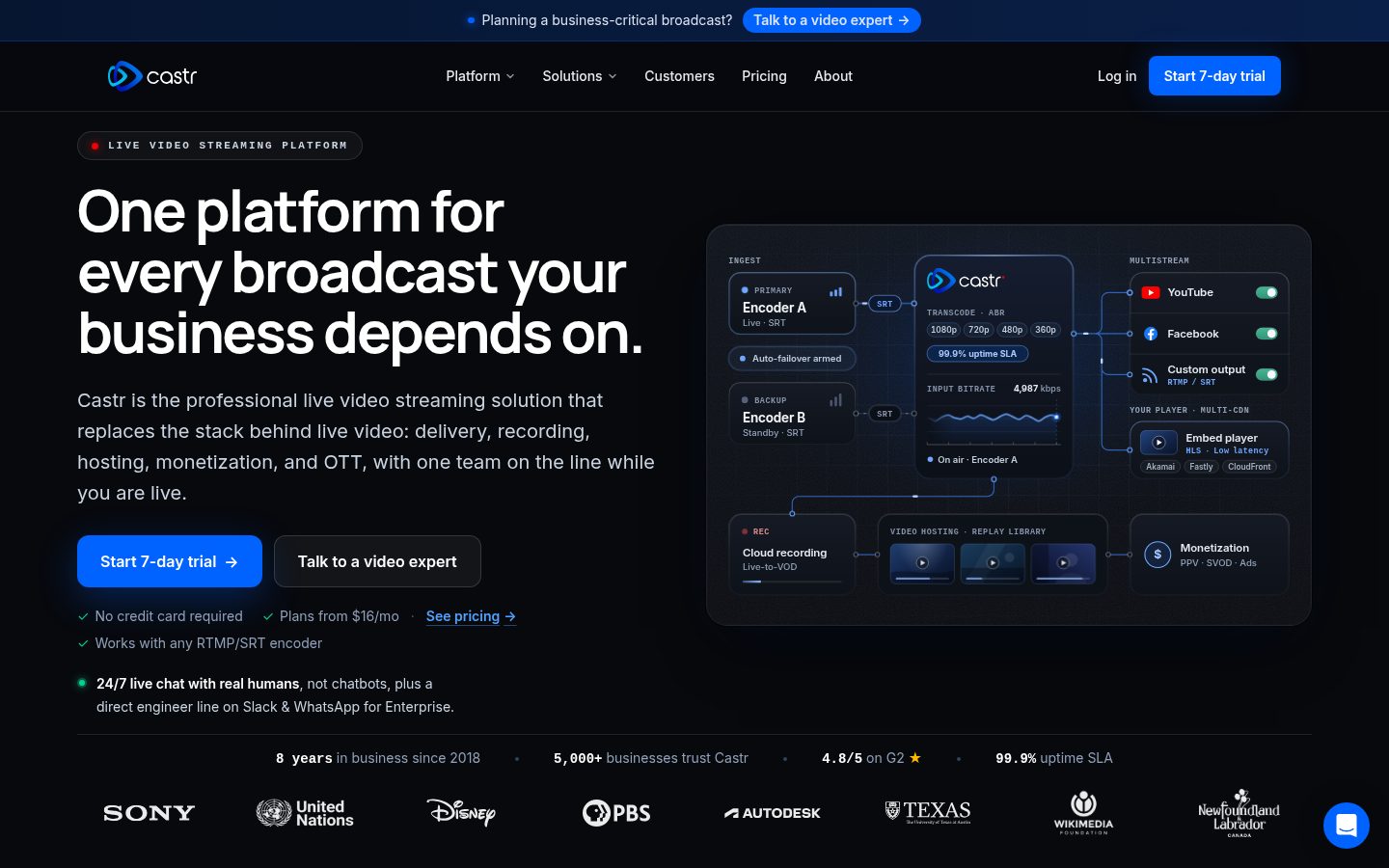
The official Castr homepage.
Watch Create a 24/7 stream with Castr TV Playout
Best for companies, churches and teams that want a cloud platform for 24/7 playout, video hosting and multistreaming, and can pay a business-level bill.
Castr is a cloud live video platform with delivery, recording, hosting, monetization and an embeddable player. For automated channels, the relevant piece is TV Playout, which lets you schedule and loop pre-recorded videos as a continuous live stream. Because it runs in the cloud, you do not leave a computer encoding overnight.
Plans start at $19.99 a month, or $16.67 a month when billed yearly, on the Starter plan I read on Castr's pricing page. Higher plans add more destinations, transcoding, access controls and API access, and they climb quickly. The official walkthrough above is from Castr's own YouTube channel and shows how to build a 24/7 stream with TV Playout.
3. Looping Stream, a simple 24/7 loop at a low price
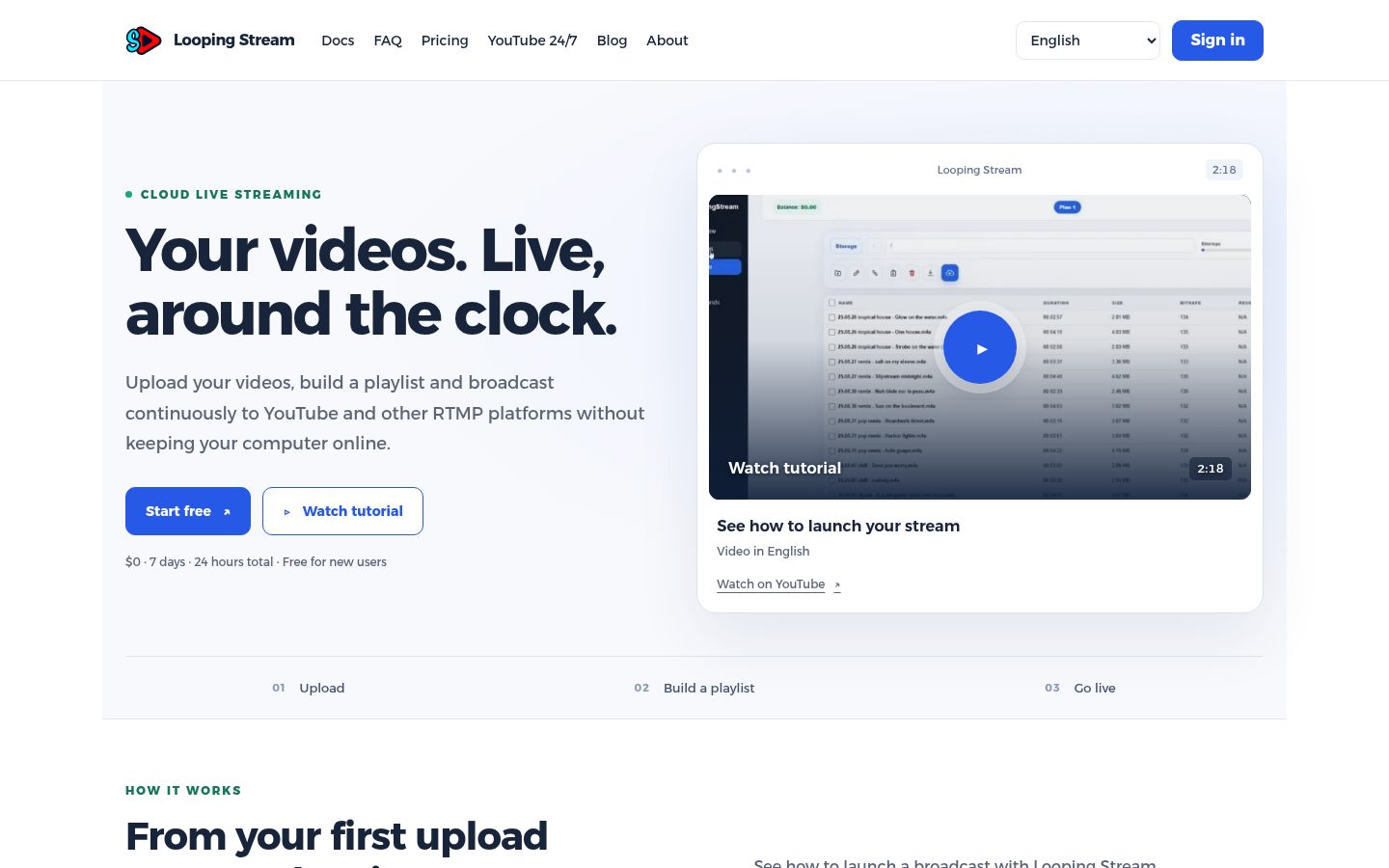
The official Looping Stream homepage.
Watch How to Start a 24/7 YouTube Live Stream Without OBS
Best for creators who want a straightforward cloud loop to YouTube or another RTMP destination, without a studio or a large storage bill.
Looping Stream does one thing clearly. You upload videos or audio, build a playlist, add a stream key, and a cloud worker sends the broadcast continuously. The site says OBS and your personal computer do not need to stay online. That makes it a direct fit for always-on music, study, education or replay channels, as long as you have the rights to the media.
New users get a free trial of 7 days with 24 hours of streaming in total, 1 GB of storage and one stream, with no card required. Paid plans start at $9 a month for Standard, with 1 simultaneous stream and 10 GB of storage. Plus is $29 a month for 4 streams and 40 GB. Premium is $59 a month for 8 streams and 80 GB. Paid plans include 1080p, unlimited streaming hours and traffic during the plan period, and no Looping Stream logo. Paying for 3, 6 or 12 months at once unlocks a longer-term discount, up to 18% for 12 months. The official tutorial above is linked on the Looping Stream homepage and comes from the Looping Stream YouTube channel.
4. Upstream, 24/7 loops plus a live studio
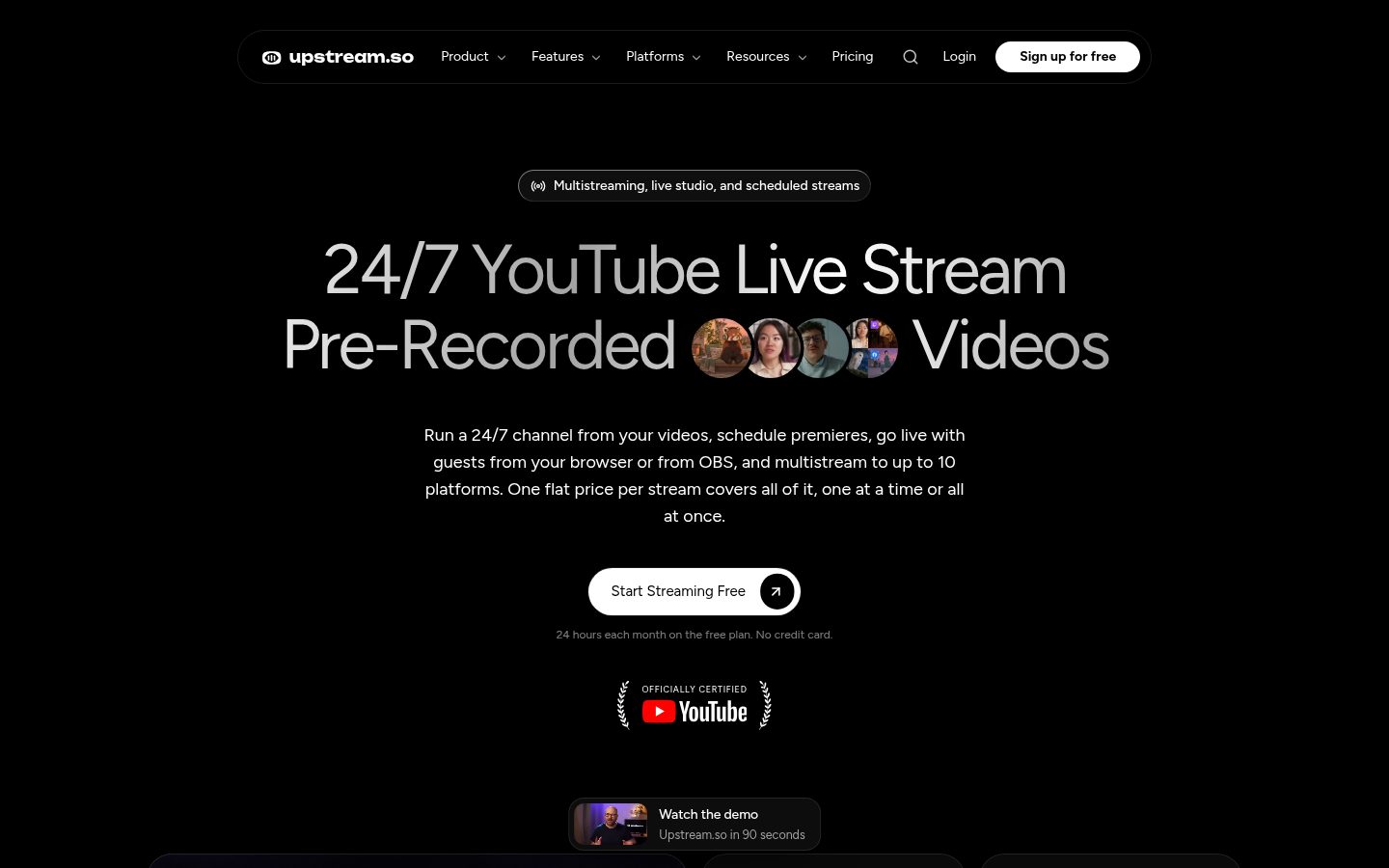
The official Upstream homepage.
Watch 24/7 YouTube Live Stream with Your Computer Off
Best for people who want a 24/7 pre-recorded channel in the cloud, and sometimes also want to go live with guests from a browser studio, for one stream price.
Upstream runs 24/7 playlists from the cloud, schedules premieres, and also includes a live studio and multistreaming. Paid pricing is per concurrent stream. One 1080p stream is $30 a month, or $24 a month billed yearly. Two streams are $50 a month, three are $70, and four or more drop to $20 a stream on monthly billing, or $16 a stream billed yearly. There is a free plan with 1 stream and 24 hours a month, with no credit card. Paid plans have no streaming-hour limit. The official 90 second demo above is on Upstream's own YouTube channel and is linked from the homepage.
5. Gyre, a dedicated 24/7 YouTube channel tool
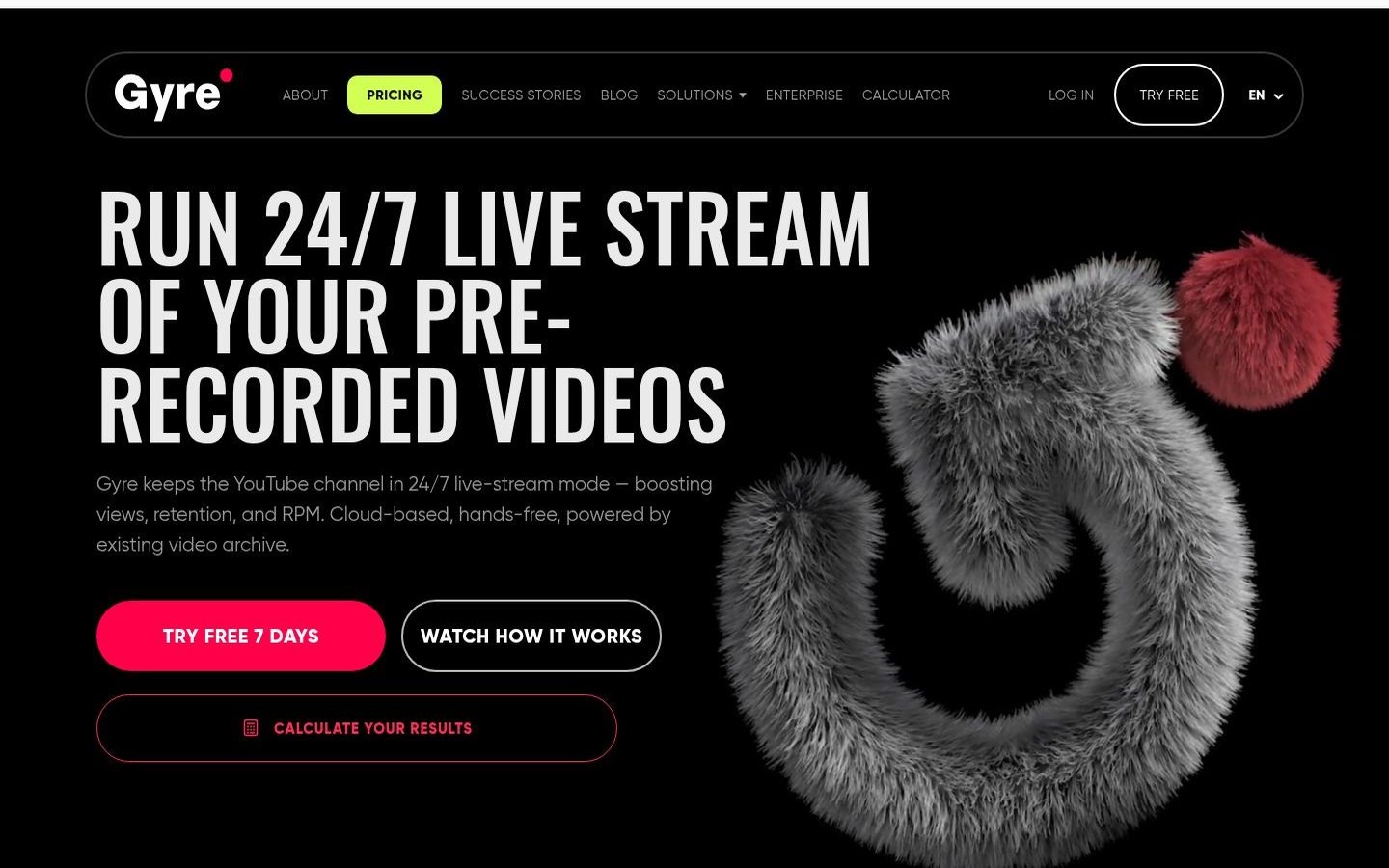
The official Gyre homepage.
Watch The 24/7 Live Streaming Hack Every Creator Is Missing
Best for creators who want a hands-off 24/7 YouTube channel built from videos they already have, and who can spend more than a starter app for a dedicated cloud setup.
Gyre is aimed squarely at 24/7 pre-recorded YouTube streams. You upload your archive, build playlists, and the stream runs from Gyre's cloud with your computer off. The regular published price for the Start plan is $49 a month for 1 HD stream. Start+ is $99 a month. Pro+ is $169 a month. When I checked the pricing page, Gyre was also advertising a seasonal discount. I have quoted the regular prices here, and I would check site before you buy in case an offer is still running.
There is a 7 day free trial of 1 HD stream. The official overview above is embedded on Gyre's homepage and comes from the Gyre.Pro YouTube channel.
6. Livepush, scheduled pre-recorded shows and 24/7 playlists
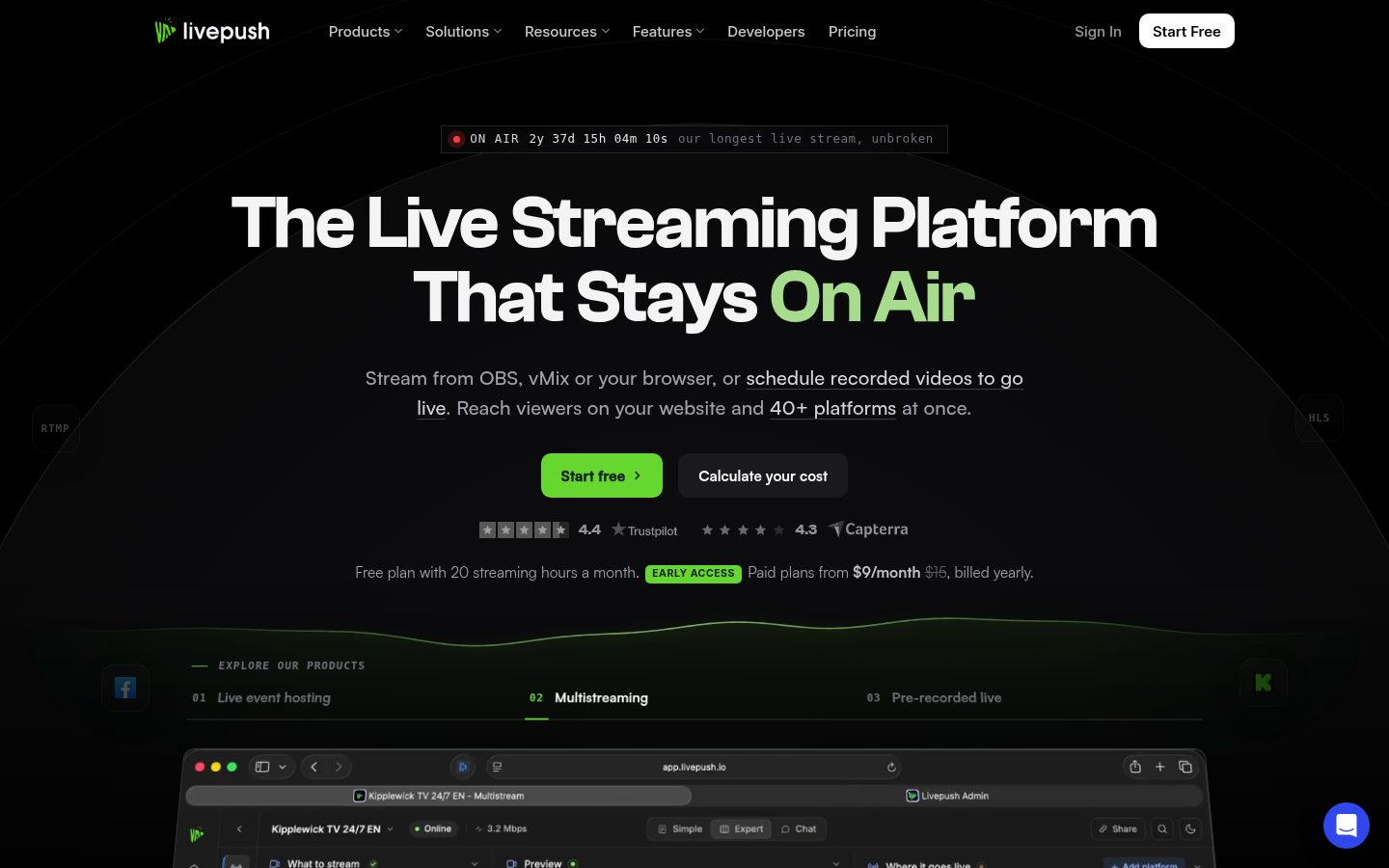
The official Livepush homepage.
Watch How to Live Stream 24/7 on YouTube with Pre-Recorded Videos
Best for people who want to schedule pre-recorded videos to many platforms, and who may later want a 24/7 playlist channel on a higher plan.
Livepush is a cloud platform for live events, multistreaming and pre-recorded streams. You can go live from a browser or an encoder, or upload a recorded video and send it out as live. A free plan includes 20 streaming hours a month, with no credit card. On the pricing page I read, paid social plans start at $15 a month, or $13 a month billed yearly, on Pro. The Creators plan, which the site presents as the starting point for 24/7 playlist channels, is $39 a month, or $32 a month billed yearly. Business is $102 a month billed yearly. The homepage also showed a promotional starting figure, so check the pricing page for the number you will actually be charged.
The official walkthrough above is from the LivepushHQ YouTube channel and shows how to run a 24/7 YouTube stream with pre-recorded videos.
7. OneStream Live, pre-recorded shows to many destinations
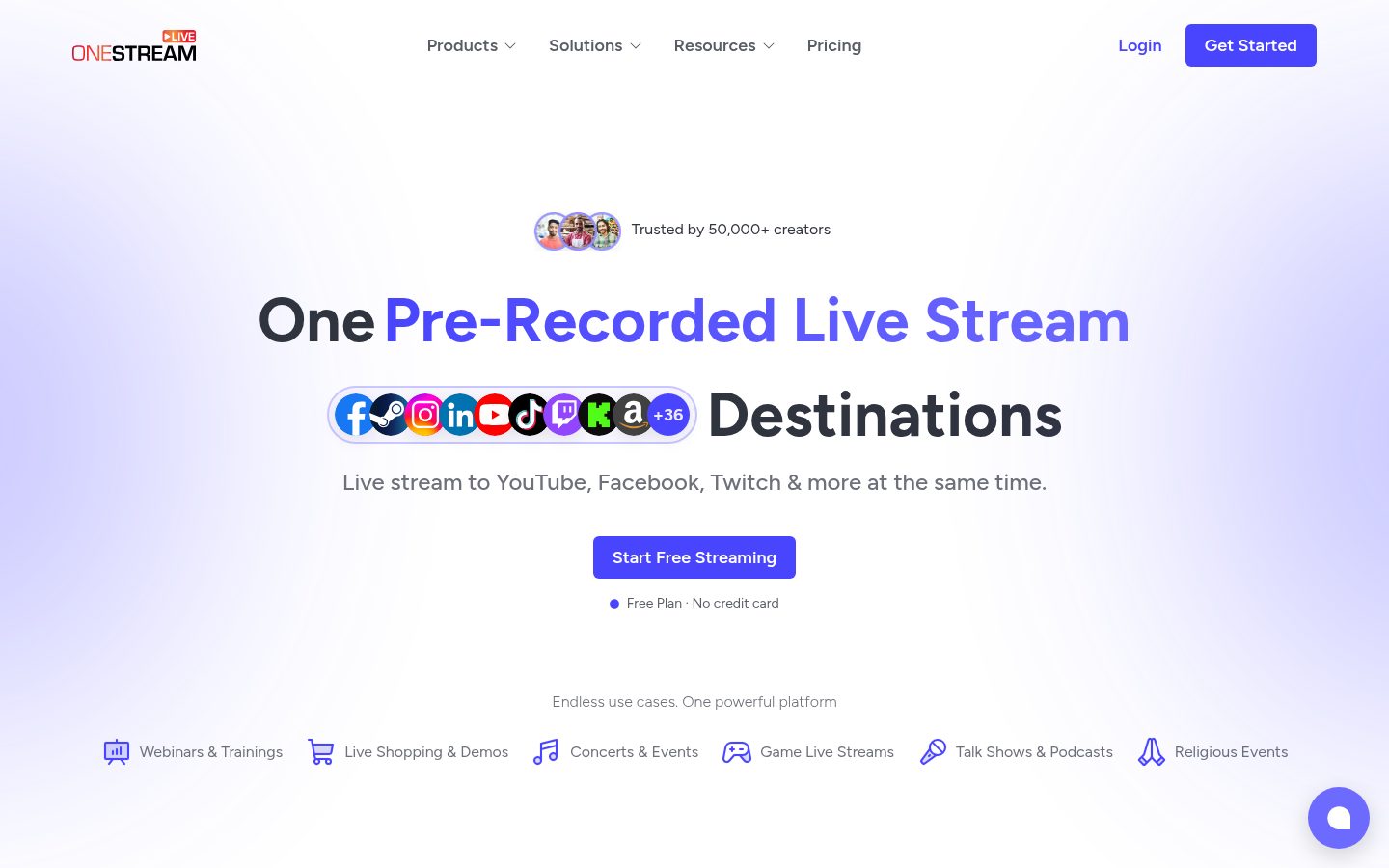
The official OneStream Live homepage.
Watch 3 Ways to Go Live with OneStream Live
Best for teams that want to schedule pre-recorded videos and multistream them to a long list of platforms, and who should check plan limits before assuming a true around-the-clock loop.
OneStream Live is a cloud studio and multistreaming platform with a pre-recorded mode, scheduling and a large destination list. There is a free plan at $0, with 2 destinations, 720p and tight limits on session length and pre-recorded duration. Paid plans start at $15 a month for Basic, or $144 a year. Standard is $39 a month, or $384 a year. Professional is $49 a month, or $468 a year. Enterprise is $99 a month, or $996 a year. Yearly billing is listed as a 20% saving against the monthly rate.
I would read the plan limits carefully if you want a channel that never stops. Paid plans list a 24-hour stream feature, and OneStream also sells a 24-hour YouTube stream add-on at $30 a month. Pre-recorded duration caps appear on the plan comparison, and playlist streaming is called out on higher plans. That is different from the unlimited looping you get on tools built only for 24/7 playlists. Check site for the plan that matches the length of stream you need. The official video above is from the OneStream Live YouTube channel and walks through three ways to go live, including pre-recorded video.
8. LiveReacting, interactive pre-recorded shows and 24/7 channels
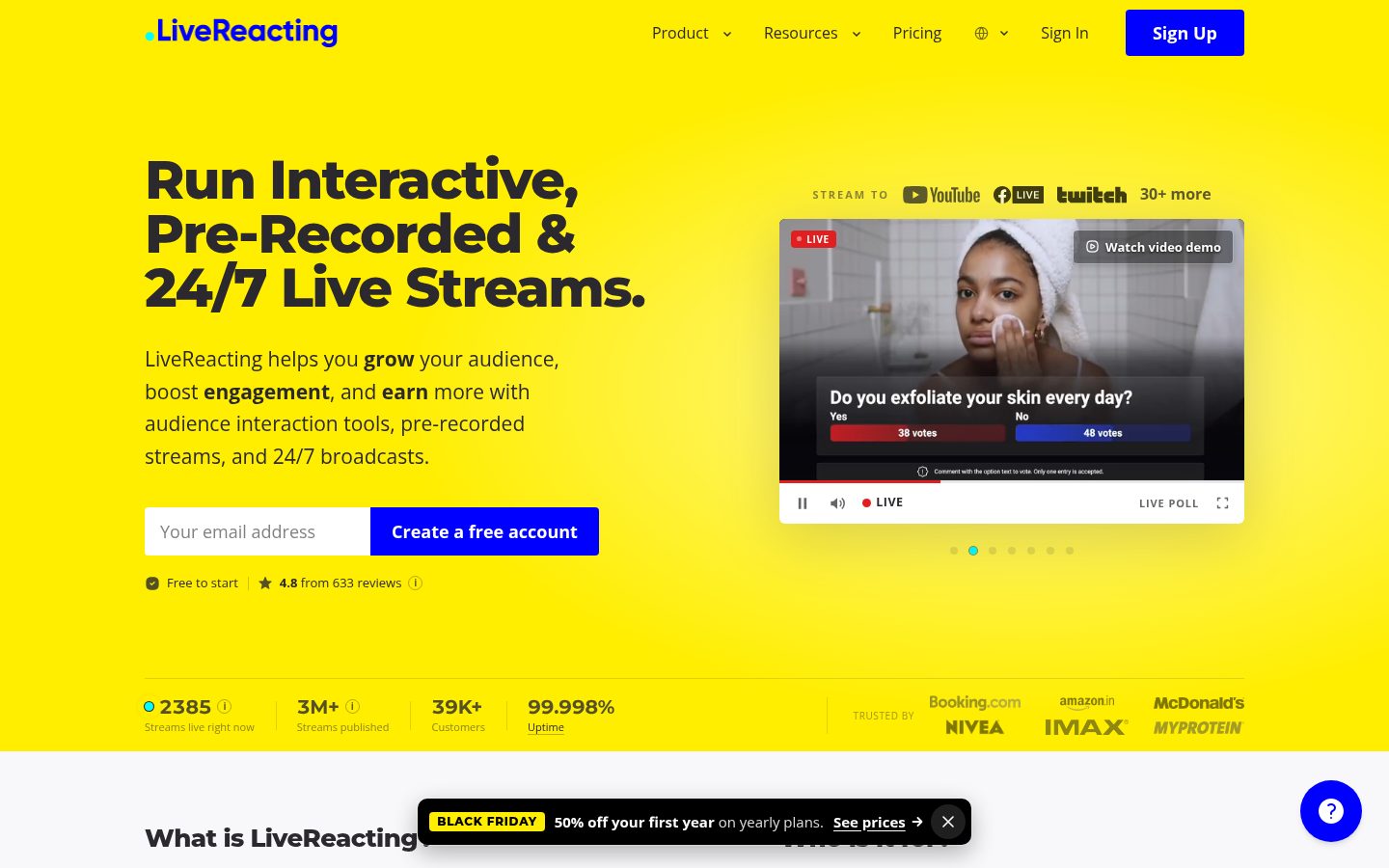
The official LiveReacting homepage.
Watch LiveReacting Studio Overview
Best for creators who want polls, overlays and other on-screen interaction on a pre-recorded show, or a dedicated 24/7 streaming plan that runs until you stop it.
LiveReacting is a cloud studio for pre-recorded streams, interactive live shows, guests and 24/7 broadcasts. The stream runs from their servers, so your computer can be off. A free plan allows 3 streams a month, up to 30 minutes each, in 720p, with a watermark and no card required. Shorter live streaming plans start at $19.99 a month, or $16 a month billed yearly, on Small. The 24/7 streaming plan, which is priced per concurrent stream and has no time limit on a stream, is $39.99 a month, or $33 a month billed yearly ($396 a year) for one 1080p stream. When I checked, LiveReacting was also advertising a first-year seasonal discount on yearly plans. I have quoted the regular prices, and I would check site for any offer still running.
The official studio overview above is from the Live Reacting YouTube channel and is linked on the LiveReacting homepage.
How I would choose
If you want the lowest monthly price, and you are happy to leave a PC or Mac running, I would start with Livecaster at $6.99 a month or $67 a year. That is the tool I recommend first on this list. Watch the 500 hour monthly cap on Elite if you plan to keep a channel live every hour of the month, and look at the Pro upgrade inside the app when you need unlimited hours.
If you want the computer off, and you only need a simple 24/7 YouTube loop, Looping Stream at $9 a month is the cheapest dedicated cloud option I could verify. Upstream is the better all-rounder if you also want a browser studio and a free 24-hour trial month to try the format. Gyre costs more and is focused on a hands-off YouTube channel. Castr fits a business that already needs hosting and playout, not only a social loop. Livepush and OneStream Live are strong when you care about many destinations and scheduled pre-recorded events, with the 24/7 details depending on the plan. LiveReacting is the one I would shortlist if on-screen interaction is part of the show.
None of these tools will save a weak video. Record something you would be willing to watch, keep the audio clean, and only stream media you have the right to use.
A few common questions
Is pre-recorded live streaming allowed on YouTube or Twitch?
YouTube and other platforms let you send a recorded video out as a live stream. I would still be straight with viewers. Do not present old footage as breaking news happening in the moment. Follow each platform's rules on copyright, music and misinformation, and use only media you own or have permission to broadcast.
Do I have to leave my computer running?
It depends on the tool. Livecaster is a desktop app, so the computer it is installed on needs to stay on and connected while the stream is running. Castr, Looping Stream, Upstream, Gyre, Livepush, OneStream Live and LiveReacting all run the stream from the cloud. After you set them up, you can shut the laptop. That convenience is usually what you pay the higher monthly price for.
Can a pre-recorded stream still get comments and reach?
Yes. The platform still treats it as a live event, with a live badge and a chat. You can sit with the comments during the broadcast, even if the video was recorded earlier, or you can let it run and reply later. Reach varies by platform and by the video itself. Livecaster publishes its own live versus regular upload tests on its sales page. I would treat those as one team's results, not a guarantee.
Can I make money from a 24/7 automated stream?
On platforms where you are already eligible, a live-style stream can still carry ads, memberships, Super Chat or Super Thanks, affiliate mentions and on-screen links. A 24/7 channel only helps if people actually watch it, and if the content is allowed on that platform. Music and movie rips are a fast way to get a channel taken down.
How is this different from regular live streaming software?
Tools like OBS Studio, StreamYard and Wirecast are built first for live camera shows, guests and overlays. The eight tools here are built to play videos you already have, on a schedule or on a loop. Some, such as Upstream, OneStream Live and LiveReacting, also include a live studio. If your main need is a webcam show, start with my live streaming software comparison instead.
Ready to run your first automated stream?
If you want to get a scheduled or 24/7 pre-recorded stream on the air this week, without a large monthly bill, start with Livecaster. Stream the videos you already recorded as live, on YouTube, Facebook, TikTok, Instagram, Twitch and other RTMP platforms. Go live now, set a time, run several streams at once, or loop a playlist into a channel that stays on air.
Elite is $6.99 a month or $67 a year, with a 30 day money back guarantee and 24/6 chat support. Download it, add a video you have the rights to use, and put your next live stream on the calendar.