
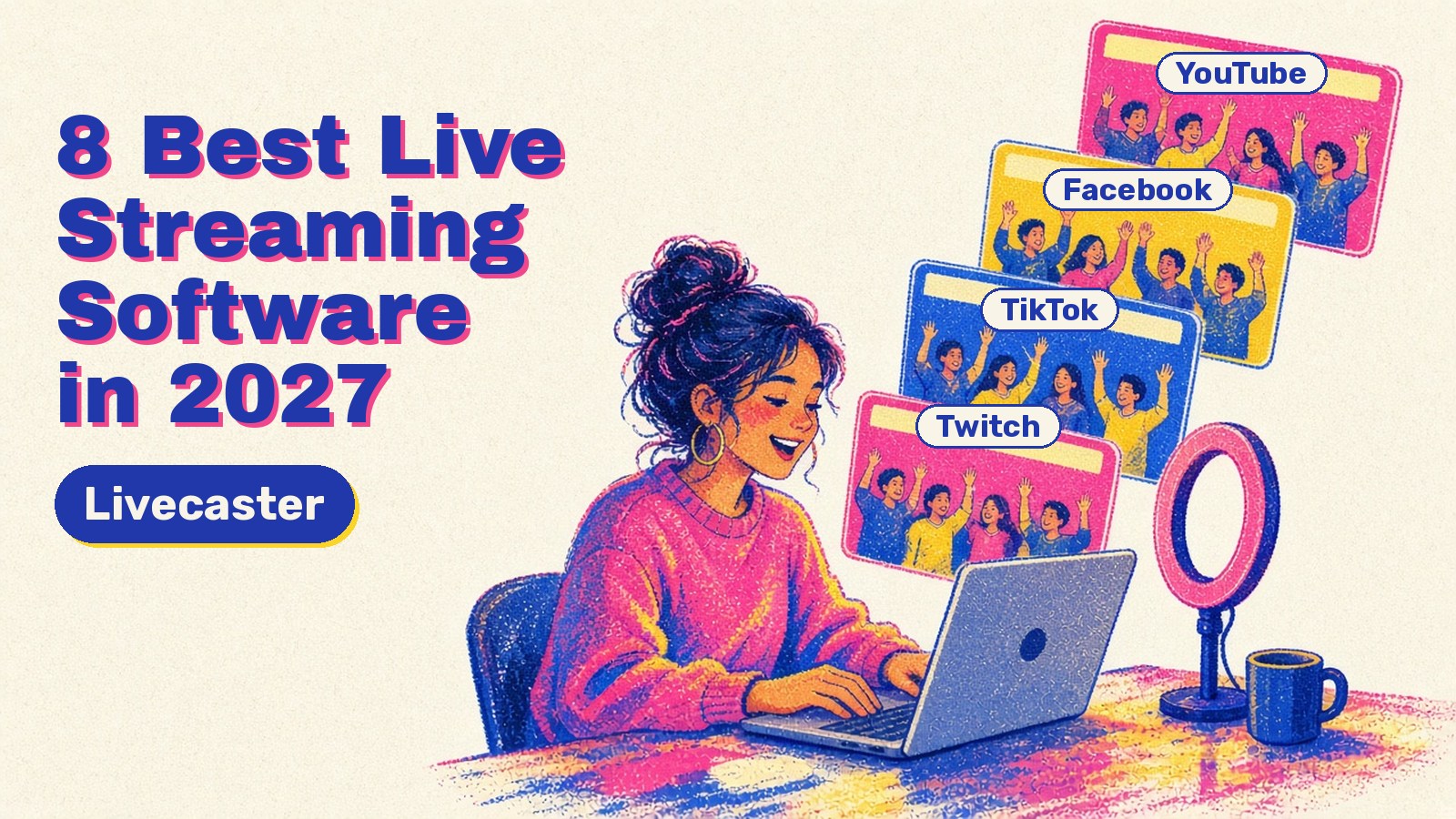
Going live is still one of the best ways to get noticed online. Platforms push live videos harder than almost anything else, with notifications to followers, a live badge in the feed and a spot near the top of search. The catch is that live streaming software ranges from free to eye wateringly expensive, and the feature lists all start to blur together.
So I've refreshed this guide for 2027 with one goal. Help you pick the right tool for the way you actually stream, and show you what each one costs. Every price below comes from the company's own pricing page, read in November 2026. Where a price depends on a quote or isn't published, I say check site.
Livecaster is first because my team at Teknikforce makes it, and because it solves a problem most of the other tools don't. I'll be upfront about where it fits and where you'd pair it with something else.
What to look for in live streaming software
Before you compare prices, it helps to know which kind of streaming you do. Most people fall into one or more of these camps.
- Live camera shows. You're on camera, switching scenes, adding overlays and talking to chat. You need a production studio.
- Interviews and guests. You bring people in from anywhere. A browser studio with guest links is easiest.
- Multistreaming. You want the same stream on YouTube, Facebook, LinkedIn, Twitch and TikTok at once.
- Pre recorded and 24/7 streams. You want to stream edited videos as live, on a schedule, or loop a channel around the clock without sitting in front of a camera.
Then check a few practical things.
- Ease of setup. Can you go live in your first session?
- Platforms. Does it support the places your audience actually watches?
- Quality. Does it handle HD without dropping frames on your machine or connection?
- Limits. Watch for caps on hours, destinations, guests or branding.
- Total cost. Some tools look cheap until you add the features you need.
The 8 best live streaming software in 2027
1. Livecaster

Livecaster is built for one thing a lot of creators and businesses want. It lets you stream pre recorded videos as live videos, on any platform that accepts an RTMP stream, without having to be in front of a camera.
You add your videos, connect your channels and go live instantly or on a schedule. You can group videos into Streams, which play one after another as a single live broadcast, and you can loop a stream so a channel stays live 24 hours a day. Livecaster can run several livestreams at the same time on different platforms, with the same video or different ones.
What I like about it
- Pre recorded as live. Stream your best edited content with the reach of a live video and none of the stage fright.
- Scheduling. Set the time and the content, and Livecaster goes live without you pressing a button.
- Streams and looping. Queue many videos into one broadcast and loop it for a 24/7 channel.
- Multistreaming. Run simultaneous livecasts on YouTube, Facebook, TikTok, Instagram, Twitch and other RTMP platforms.
- Built in tools. A video converter for popular formats, a downloader for YouTube videos you have permission to use, detailed reports and an email alert if a scheduled stream fails.
- Desktop app. It runs on PC and Mac.
Where it fits. Livecaster isn't a camera switching studio. If you want to talk to a webcam with overlays in real time, pair it with a studio tool like OBS Studio for those shows and use Livecaster for everything you can prepare ahead.
Price. $6.99 a month or $67 a year.
Best for. Creators, coaches, ecommerce sellers and businesses who want consistent live content from videos they already have.
2. OBS Studio
OBS Studio is the free, open source standard for live production on your own computer. You build scenes from cameras, screen captures, images and browser sources, then switch between them live. It's powerful and endlessly flexible, and a huge library of plugins and guides surrounds it.
The trade off is the learning curve. OBS gives you every control but very little hand holding, and multistreaming to several platforms usually needs a plugin or a relay service.
Price. Free.
Best for. Creators who want full control of a live camera show and don't mind learning the ropes.
3. StreamYard
StreamYard is a browser based studio, so there's nothing to install. You invite guests with a link, add your branding and overlays, show comments on screen and stream out to your channels. It's one of the easiest ways to run interviews, panels and webinars that look polished.
Price. The Essential plan is $18.99 a month, or $14.99 a month billed yearly. A free plan exists with limits, and higher plans add more destinations and features.
Best for. Podcasters, interview hosts and small businesses who want a clean studio in the browser.
4. Restream
Restream started as a multistreaming service and grew into a full browser studio. You can send one stream to many platforms, manage chat from all of them in one place, bring in guests and stream pre recorded video as live events.
Price. There's a free plan that streams to two channels at once. Standard is $19 a month on monthly billing, and yearly billing saves 20 percent. Clips and webinars are paid add ons.
Best for. Creators and brands whose main goal is reaching several platforms at once.
5. Streamlabs
Streamlabs Desktop builds on OBS and adds a friendlier setup with themes, alerts, widgets and tipping tools. It's especially popular with gamers and Twitch streamers who want their channel to look good quickly. The Ultra subscription adds premium themes, multistreaming and extra apps.
Price. The core app is free. Ultra starts at $15.75 a month.
Best for. Gamers and personality streamers who want alerts and monetisation tools without building everything from scratch.
6. Upstream
Upstream is a cloud service for 24/7 and pre recorded streaming. You upload videos and playlists, and it streams them from its servers, so your own computer doesn't need to stay on. It's the closest cloud alternative to what Livecaster does on your desktop.
Price. A free plan covers one stream. Paid streams start at $30 a month for one stream, with lower per stream rates as you add more.
Best for. People who want a looping channel running in the cloud and are happy to pay per stream.
7. vMix
vMix is professional live production software for Windows. It handles multiple cameras, instant replay, NDI sources, audio mixing and titles, and it's common at sports events, churches and conferences.
Price. Lifetime licences run from $60 for Basic HD up to $1200 for MAX, and there's also a $50 a month subscription. There's a free 60 day trial.
Best for. Producers running multi camera events on Windows.
8. Wirecast
Wirecast from Telestream turns a computer into a broadcast studio, with multi camera switching, titles, graphics and remote guests. It runs on Mac and Windows and is a favourite with schools, event teams and organisations that stream regularly.
Price. Wirecast Studio is $59 a month, or $34 a month billed yearly. Wirecast Pro costs more and adds advanced production features. Check site for current offers.
Best for. Organisations that need a reliable, studio style production tool.
Live streaming software compared on price
| Software | Best for | Pre recorded or 24/7 | Multistreaming | Starting price |
|---|---|---|---|---|
| Livecaster | Pre recorded, scheduled and 24/7 streams | Yes, built in | Yes | $6.99 a month or $67 a year |
| OBS Studio | Live camera shows with full control | Possible with setup | With a plugin or relay | Free |
| StreamYard | Interviews and browser studio | Yes | Yes on paid plans | $18.99 a month ($14.99 billed yearly) |
| Restream | Multistreaming to many platforms | Yes | Yes | Free plan, Standard $19 a month |
| Streamlabs | Gaming and alerts | Limited | With Ultra | Free, Ultra from $15.75 a month |
| Upstream | Cloud 24/7 channels | Yes | Yes | Free plan, paid from $30 a month |
| vMix | Multi camera production on Windows | Possible with setup | Yes | $60 lifetime or $50 a month |
| Wirecast | Studio production for organisations | Possible with setup | Yes | $59 a month ($34 billed yearly) |
How I would choose
Here's the simple version.
- You want to stream videos you've already made, on a schedule or 24/7. Pick Livecaster. It's built for exactly that, and it's the cheapest paid option on this list.
- You want to sit in front of a camera with scenes and overlays. Start with OBS Studio, or Streamlabs if you want alerts and themes ready to go.
- You run interviews with guests. StreamYard or Restream will get you there fastest.
- You produce events with several cameras. Look at vMix on Windows or Wirecast on Mac and Windows.
A lot of creators end up with two tools. One for real time camera shows and Livecaster for everything they can prepare ahead, which keeps their channels live and active even on days they don't have time to go on camera.
A few common questions
What is the best live streaming software for beginners? If you want to stream videos you've already made, Livecaster is the easiest start because you just add videos and pick a time. For live camera shows, StreamYard is easy in the browser, and OBS Studio is free if you're happy to learn.
Can I stream to several platforms at the same time? Yes. Livecaster, Restream, StreamYard, Upstream, vMix and Wirecast can all send streams to more than one destination. OBS Studio usually needs a plugin or a relay service for that.
Is it allowed to stream pre recorded videos as live? Platforms accept pre recorded content in live streams as long as you own the content or have permission to use it. Don't stream videos that belong to someone else.
Do I need expensive equipment? No. A decent computer, a stable internet connection and good audio matter more than a fancy camera. For pre recorded streams with Livecaster, you don't need a camera at all on the day.
Does my computer need to stay on while streaming? For desktop tools like Livecaster, OBS Studio and vMix, yes. With Livecaster you can also run it on an inexpensive VPS so your own computer can be switched off.
How much does Livecaster cost? Livecaster is $6.99 a month or $67 a year. See the Livecaster site for plan details.
Ready to go live more often?
The best live streaming software is the one that matches how you actually create. If you're on camera every day, a studio tool will serve you well. If you'd rather prepare great videos and let them run live on a schedule, across several platforms, even while you sleep, Livecaster is the one I'd recommend. It's $6.99 a month or $67 a year, and you can have your first scheduled livecast set up today.
If you're new to it, my guide to pre recorded live streams for beginners is a good next read.