
Every platform loves live video. YouTube, Facebook, TikTok and LinkedIn all push live streams harder than regular uploads.
There's just one problem. You can't be live all the time.
Streaming scheduling software fixes that. You upload your videos, set a time, and the tool goes live for you. Even while you sleep.
Here are the 11 best streaming schedulers in 2026, what they cost, and which one fits you.
What Is Streaming Scheduling Software?
It's a tool that broadcasts your videos as live streams at a time you choose.
You can stream one video, a whole playlist, or loop the same content around the clock to build a 24/7 channel. Most tools send the stream to several platforms at once.
Some people call it a video playlist scheduler. Others call it simulated live, simulive or pre-recorded streaming. It's all the same idea. Live reach, without the live stress.
How Scheduled Streaming Works
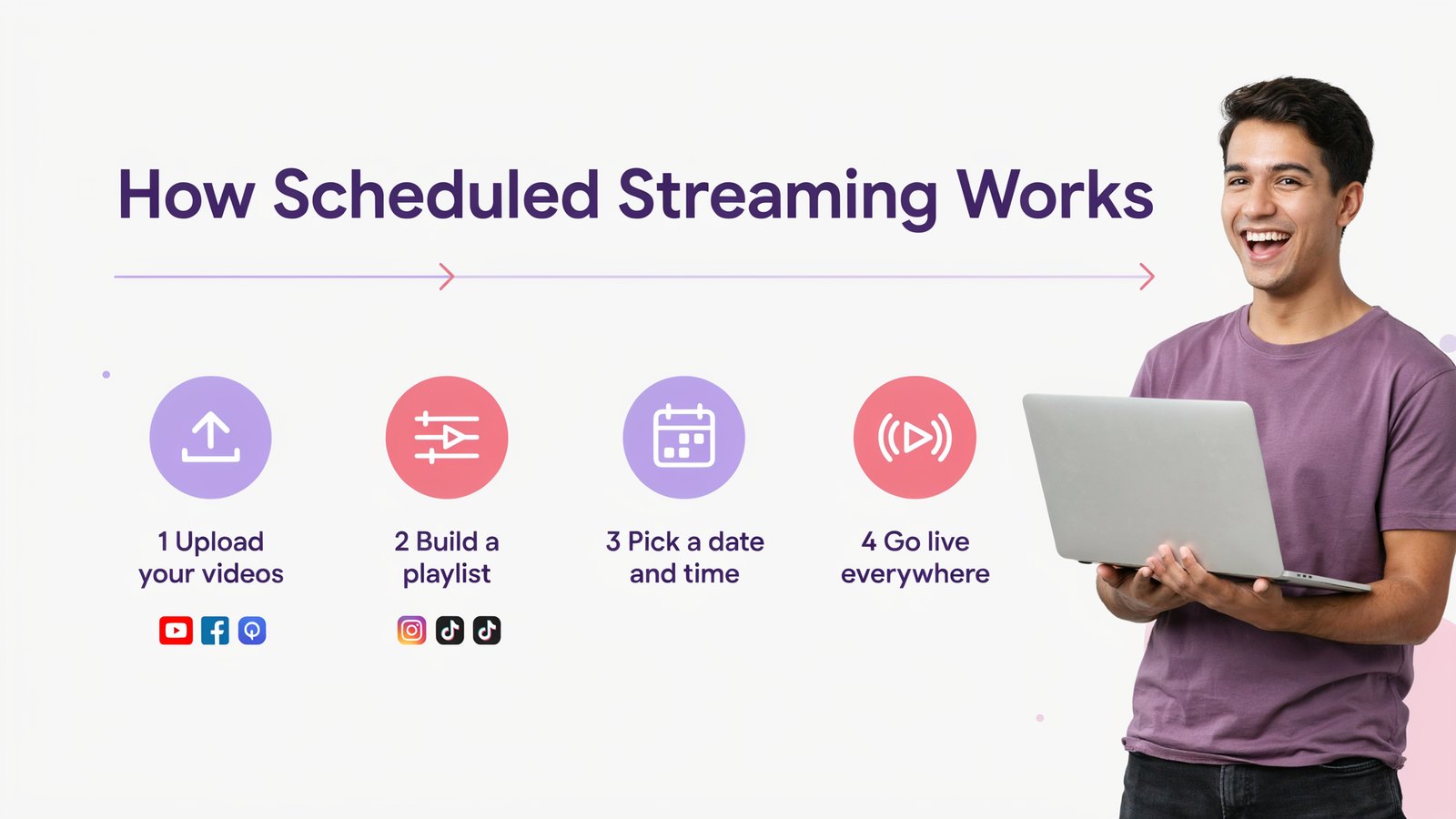
Upload your videos. Webinars, tutorials, podcasts, music, product demos. Anything you've already made.
Build a playlist. Put videos in the order you want, or set them to loop.
Pick a date and time. Choose when the stream starts and how long it runs.
Go live everywhere. The tool streams to YouTube, Facebook and your other channels at the same time.
That's it. No camera, no studio, no waiting around to press a button.
Why Schedule Your Live Streams?
More reach. Platforms send notifications and show a big "Live" badge when you go live. That's free attention regular uploads don't get.
Old videos, new audiences. That webinar from last year can go live again tomorrow and reach people who never saw it.
Every time zone. Schedule streams for morning in London, lunch in New York and evening in Sydney, without staying up all night.
Always-on channels. 24/7 streams of music, news, tutorials or meditation build loyal followings that come back every day.
Less stress. No fumbling with tech while the clock ticks. The stream is tested and ready before it starts.
Who Uses a Video Playlist Scheduler?
- Creators who want to stay live while they work on their next video.
- Coaches and course sellers who replay webinars on autopilot.
- Churches and nonprofits that repeat services and events for people who missed them.
- Online stores that run product demo streams that sell around the clock.
- Music and relaxation channels that run 24/7 lofi, sleep or study streams.
- Agencies that manage live content for several clients.
What to Look For
- Playlists and loops so one setup can run for hours or days.
- Multistreaming to send one stream to several platforms at once.
- Long stream limits. Some tools cap pre-recorded streams at a couple of hours.
- Fair pricing. Many cloud tools charge by the hour, the stream or the gigabyte.
- Failure alerts so you know if a stream drops.
- Easy setup. You shouldn't need an engineer to go live.
Quick Comparison
| Tool | Best For | Free Option | Starting Price |
|---|---|---|---|
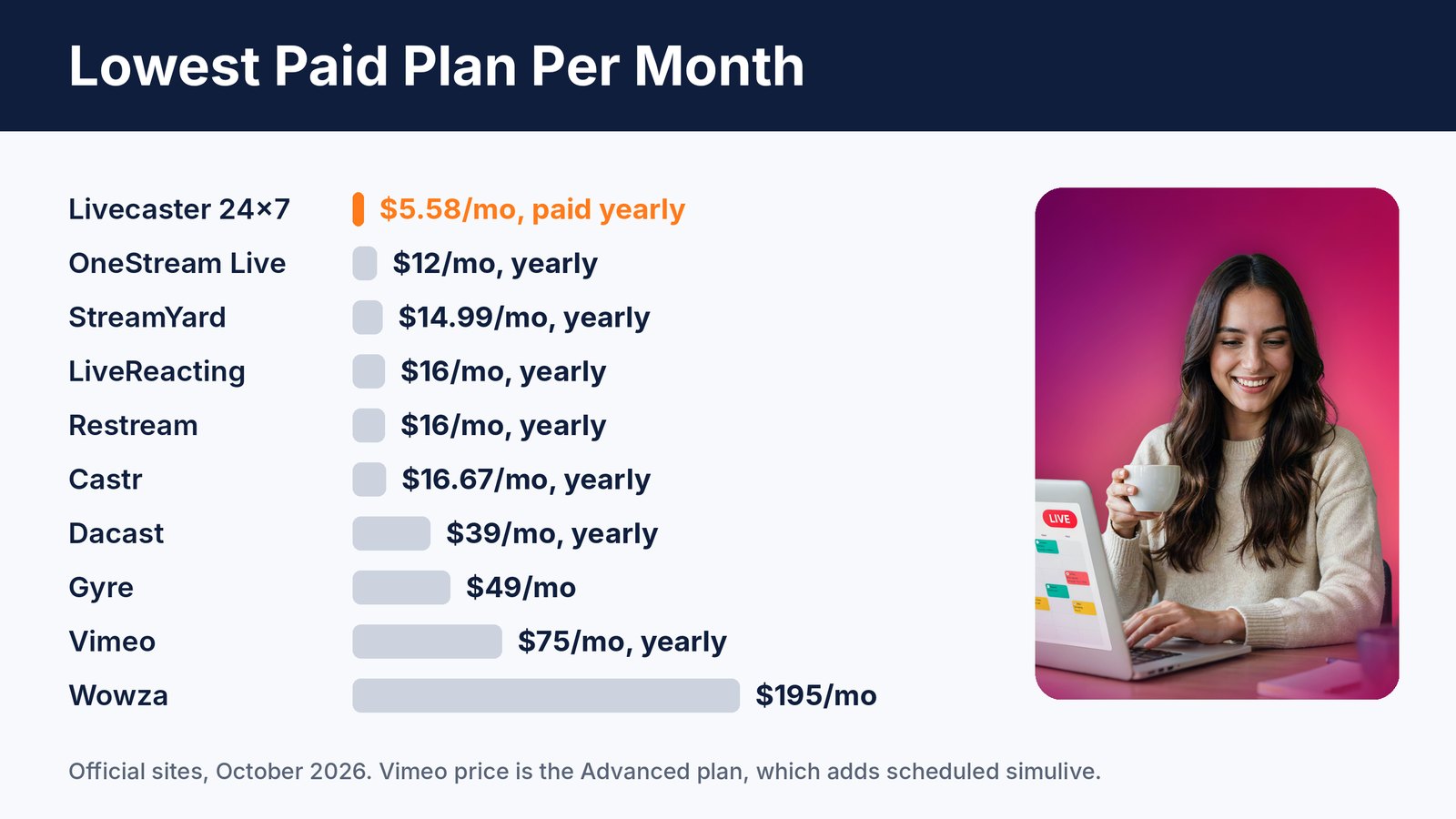
| Livecaster 24x7 | Scheduled and 24/7 streams on a budget | 30 day refund | $5.58/mo paid yearly |
| OneStream Live | Scheduling playlists to many platforms | Free plan | $12/mo paid yearly |
| StreamYard | Easy studio with pre-recorded streams | Free plan | $14.99/mo paid yearly |
| LiveReacting | Interactive pre-recorded shows | Free plan | $16/mo paid yearly |
| Restream | Multistreaming to 30+ platforms | Free plan | $16/mo paid yearly |
| Castr | Business streaming and video hosting | 7 day trial | $16.67/mo paid yearly |
| Dacast | Paid streams and video on demand | Free trial | $39/mo paid yearly |
| Gyre | Cloud 24/7 YouTube streams | 7 day trial | $49/mo |
| Vimeo | Branded events and simulive | Free plan | $75/mo paid yearly |
| Wowza | Large custom streaming setups | Free trial | $195/mo |
| YouTube Premieres | One video on YouTube | Free | Free |
1. Livecaster 24x7
Full disclosure, Livecaster 24x7 is our own product, made by Teknikforce. We built it because cloud streaming tools kept charging by the minute for something that should be simple.
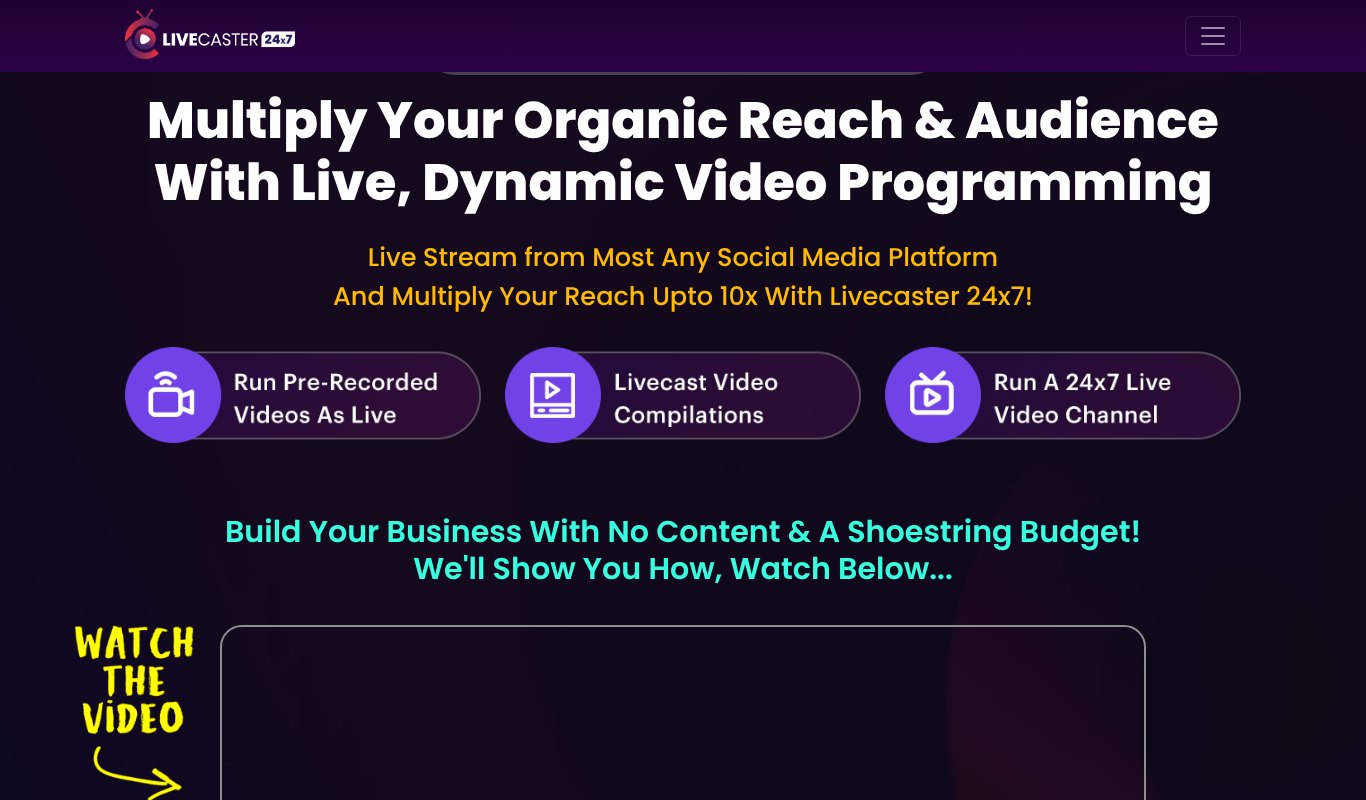
Livecaster turns any pre-recorded video into a live stream on YouTube, Facebook, TikTok, Instagram, Twitch, LinkedIn and any platform that accepts RTMP. You can stream one video, build collections of videos, or run a full 24/7 channel.
Its live-loop technology starts the stream again when it ends, so a 24/7 channel keeps going without you touching it. You can even update a stream while it's live.
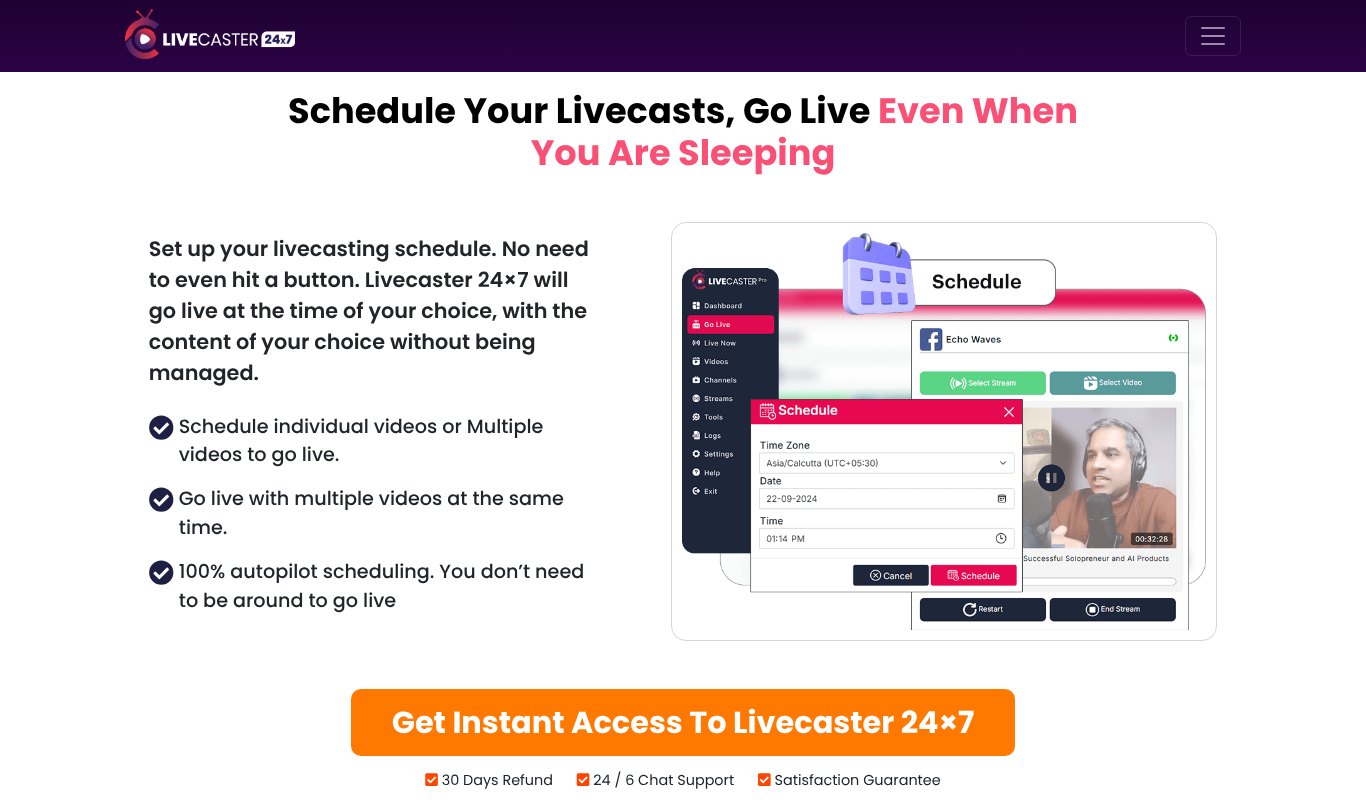
Scheduling is fully on autopilot. Pick the video, the time and the platform, and Livecaster goes live by itself. If a scheduled stream fails, it emails you so you're never caught off guard.
It runs as a desktop app on your PC or Mac, so there's no per-minute meter running in the cloud.
Pros
- Pre-recorded, scheduled and 24/7 streams in one tool
- Stream to several platforms at the same time
- Live-loop for always-on channels
- Email alerts if a stream has a problem
- Lowest price on this list
- 24/6 live chat support and a 30 day money-back guarantee
Cons
- Your computer needs to stay on while it streams (or run it on a VPS)
- The Elite plan covers 500 streaming hours a month, with a Pro upgrade for unlimited
Pricing Just $5.58 a month, paid yearly ($67 a year), or $6.99 month to month. Elite includes 5 channels, 5 video collections and 5 streams at once.
2. OneStream Live
OneStream Live is a cloud tool built around scheduling pre-recorded streams. You can stream to 45+ platforms, build playlists and plan streams up to 60 days ahead.
Pros
- Strong playlist scheduling
- Lots of destinations
- Runs in the cloud
Cons
- 24/7 streaming is a paid add-on
- Extra destinations and storage cost more
Pricing Free plan to start. Paid from $12 a month, paid yearly. 24-hour YouTube streams add $30 a month.
3. StreamYard
StreamYard is famous for its easy browser studio. Paid plans let you schedule pre-recorded streams too, which is handy if you already use it for live shows.
Pros
- Very easy to use
- Great for live interviews too
- Works in the browser
Cons
- Pre-recorded streams are capped at 2 hours on the Core plan
- Not built for 24/7 channels
Pricing Free plan. Core from $14.99 a month paid yearly, and Advanced from $35.
4. LiveReacting
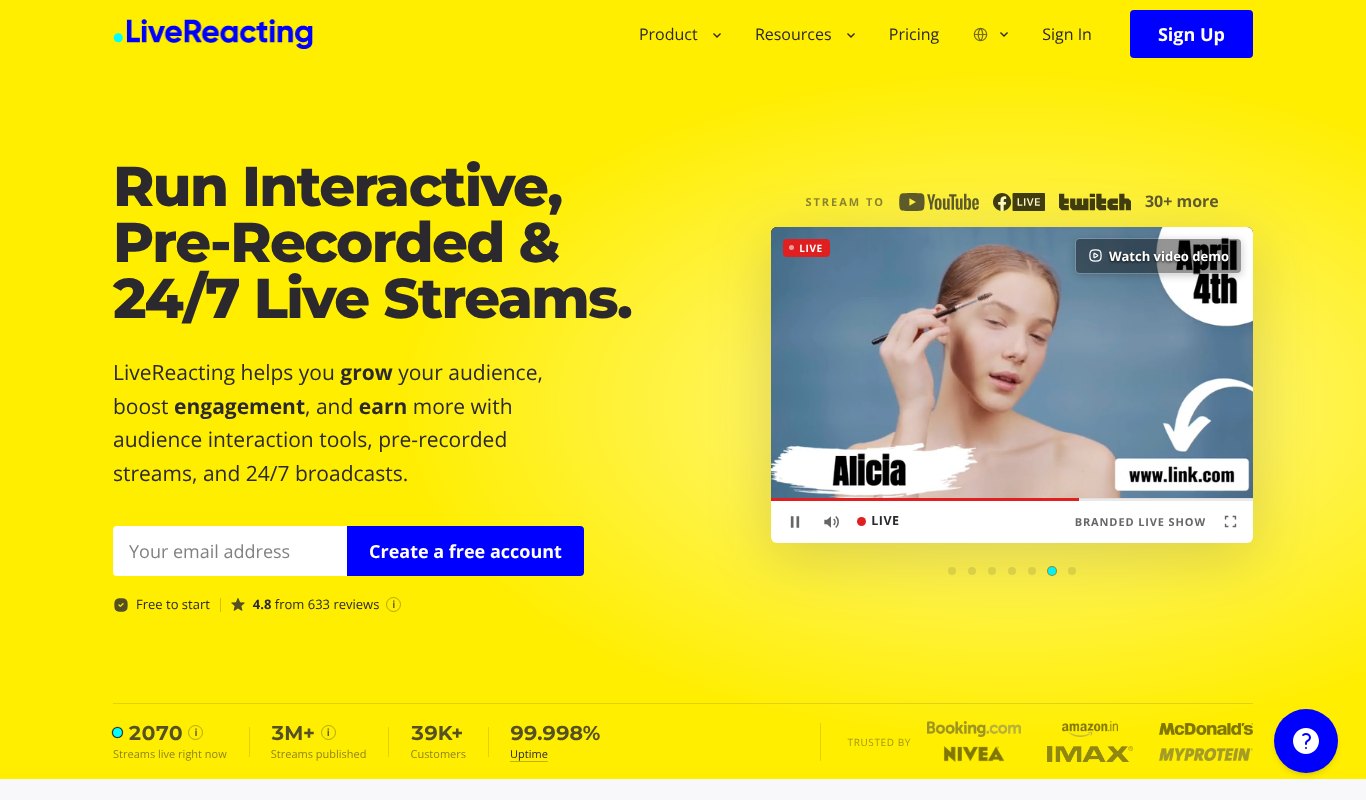
LiveReacting adds games, polls and countdowns on top of your pre-recorded streams. It's a fun pick if you want a scheduled stream that still feels interactive.
Pros
- Interactive overlays and games
- Pre-recorded and 24/7 streams
- Free plan to test
Cons
- 24/7 streaming is a separate plan
- Free plan adds a watermark
Pricing Free for 3 streams a month. Paid from $16 a month paid yearly, and 24/7 streaming from $33 a month per stream.
5. Restream
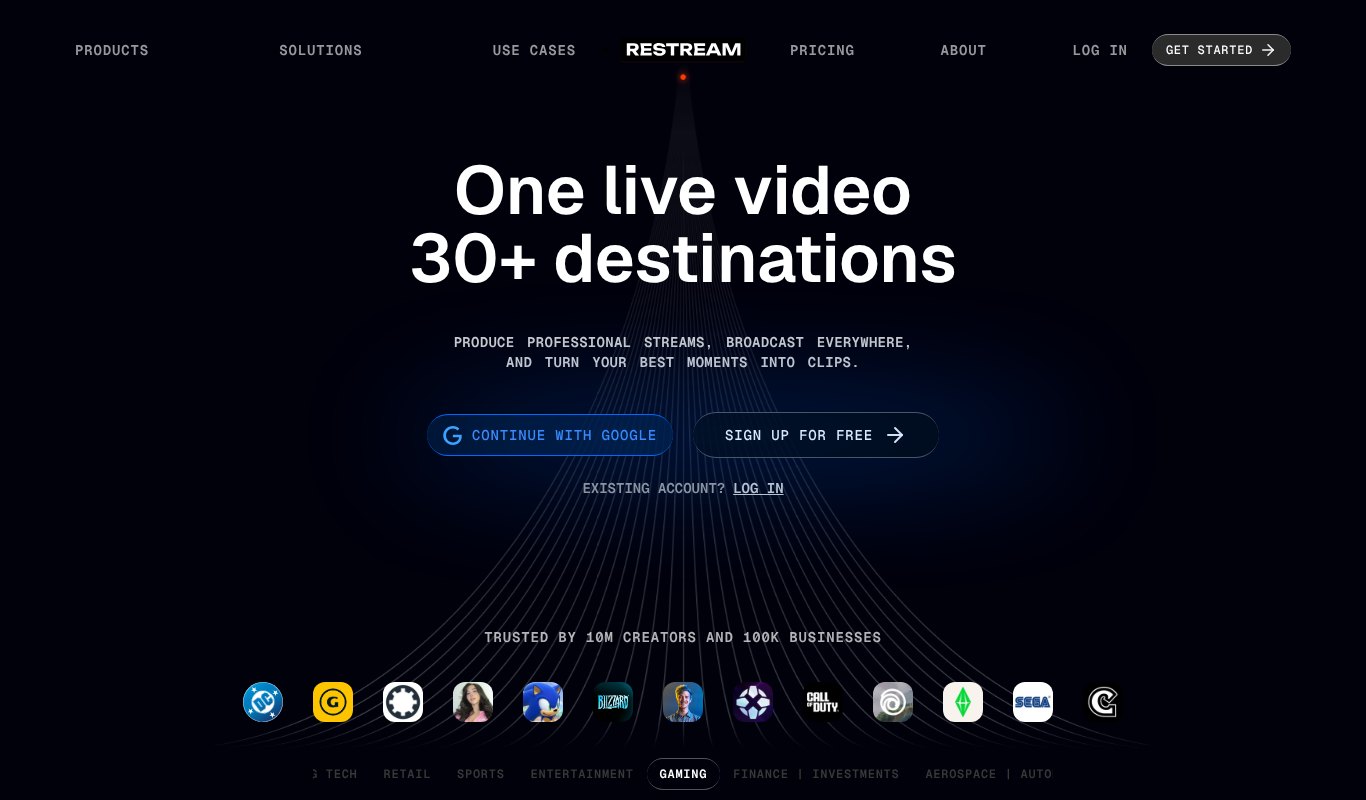
Restream is the best-known multistreaming tool. Any account can schedule an uploaded video to go live, and the Upload and Stream add-on unlocks playlists and loops.
Pros
- Streams to 30+ platforms
- Big brand with lots of tutorials
- Unified chat across platforms
Cons
- Playlists and loops need a paid add-on
- Loops stop after 40 hours
Pricing Free plan. Standard from $16 a month paid yearly. Upload and Stream starts at about $39 a month extra.
6. Castr
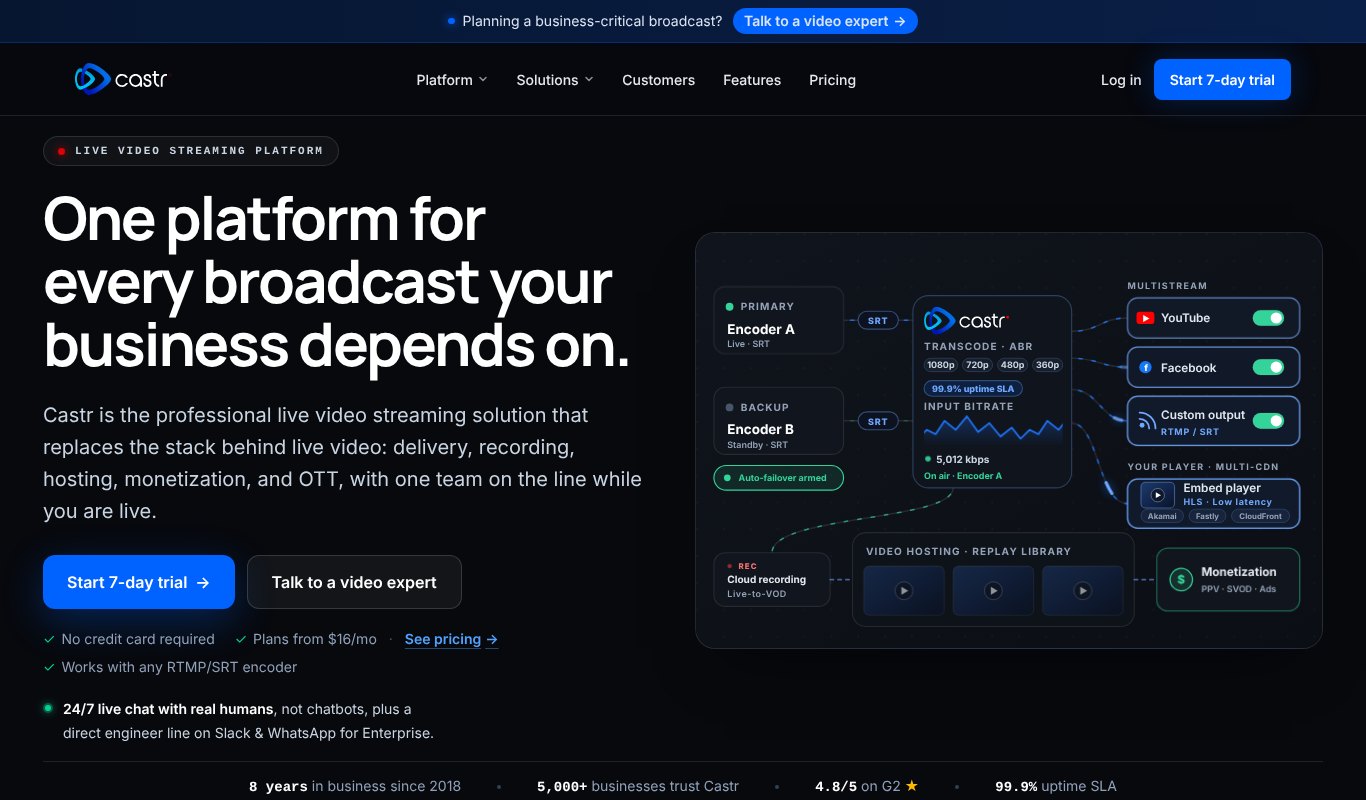
Castr is a business streaming platform with pre-recorded live, 24/7 playlists, video hosting and a player for your own website. It's a solid all-rounder.
Pros
- Pre-recorded and 24/7 streams
- Video hosting and embed player
- Live chat support
Cons
- Bandwidth limits on lower plans
- Costs climb fast for bigger needs
Pricing From $16.67 a month paid yearly, or $19.99 month to month.
7. Dacast
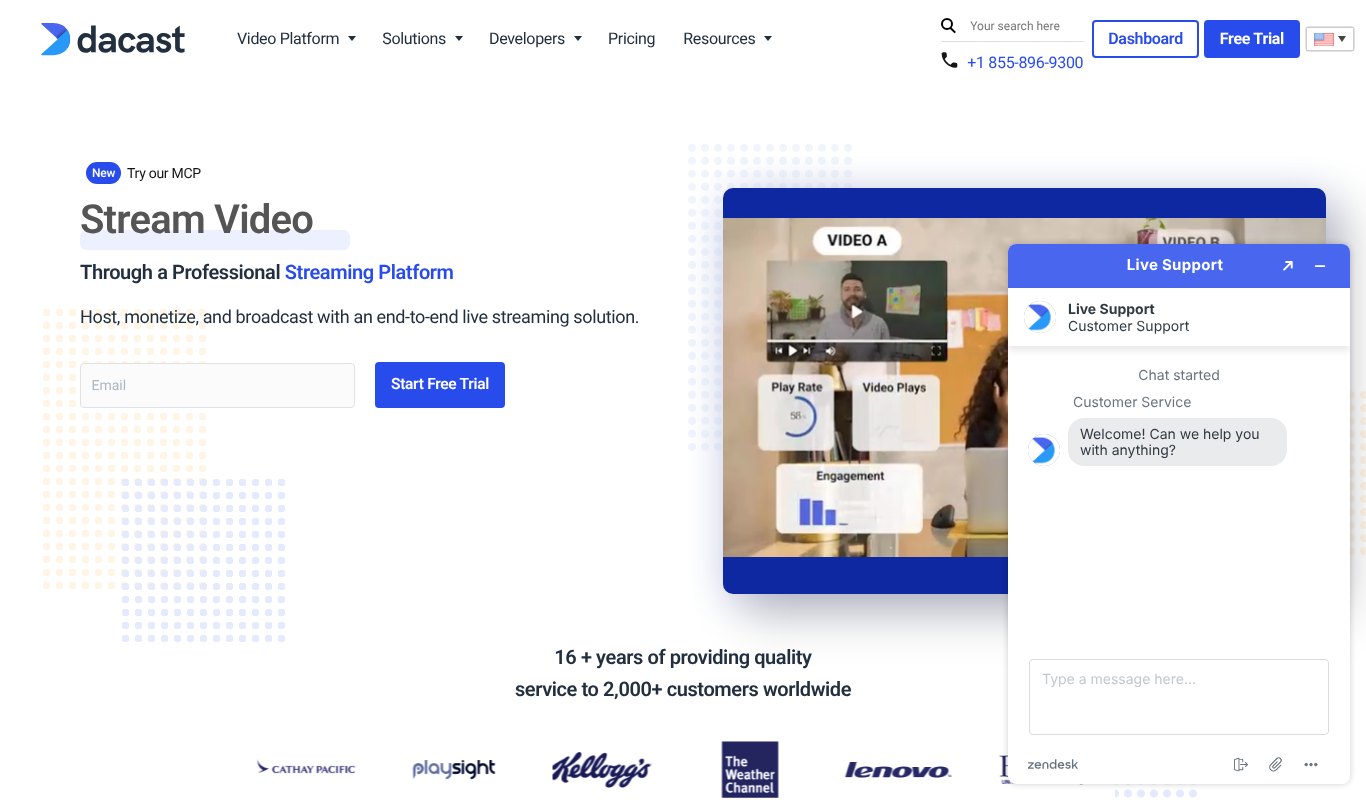
Dacast is video on demand scheduling software for businesses that want to sell access. It has paywalls, a white-label player and scheduled live and on-demand video.
Pros
- Built-in paywall
- White-label player
- Good for schools and events
Cons
- Bandwidth overages cost extra
- More than a creator needs
Pricing From $39 a month paid yearly.
8. Gyre
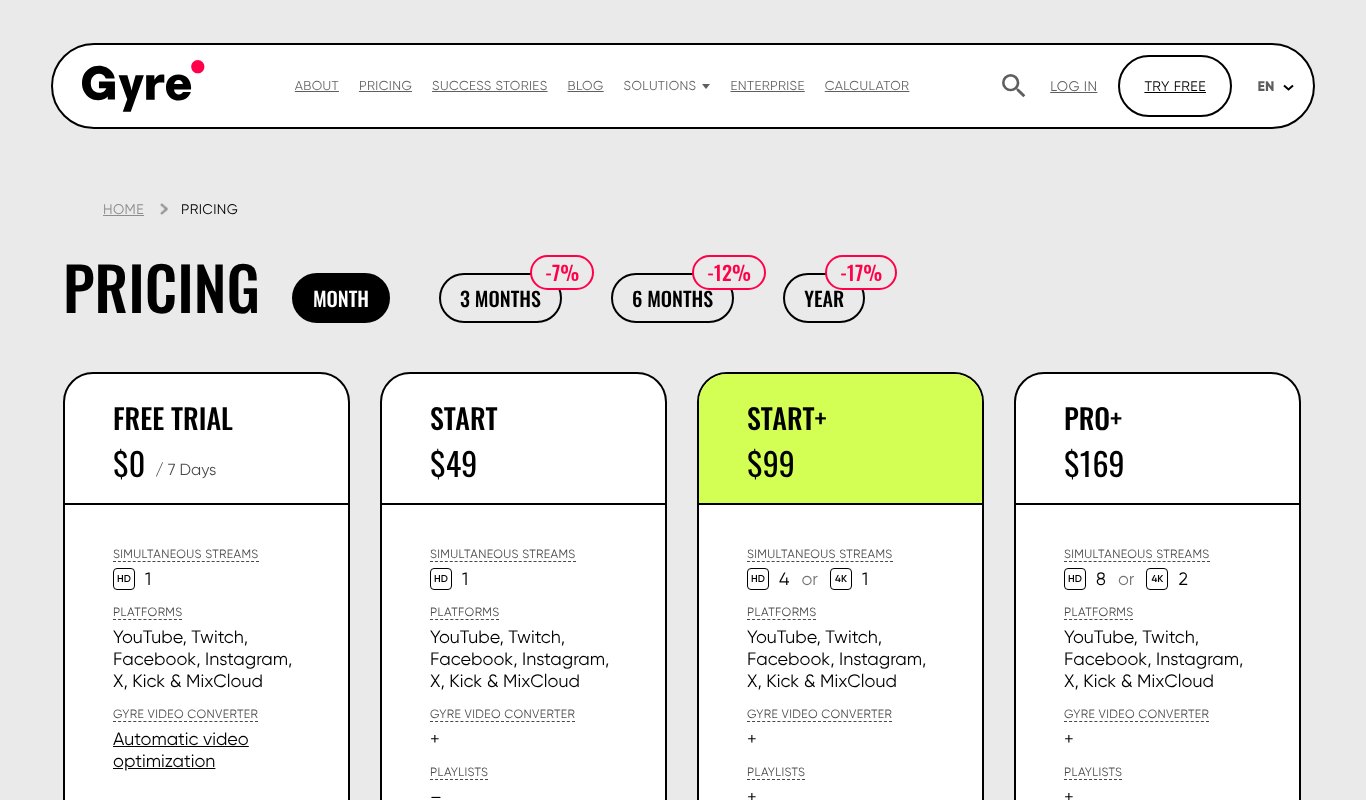
Gyre focuses on one job. Running pre-recorded 24/7 streams in the cloud, mostly for YouTube music and relaxation channels.
Pros
- Made for 24/7 streams
- No computer needed
- Automatic video conversion
Cons
- Pricey for one stream
- Playlists need a higher plan
Pricing 7 day free trial. Then from $49 a month, with discounts for longer billing.
9. Vimeo
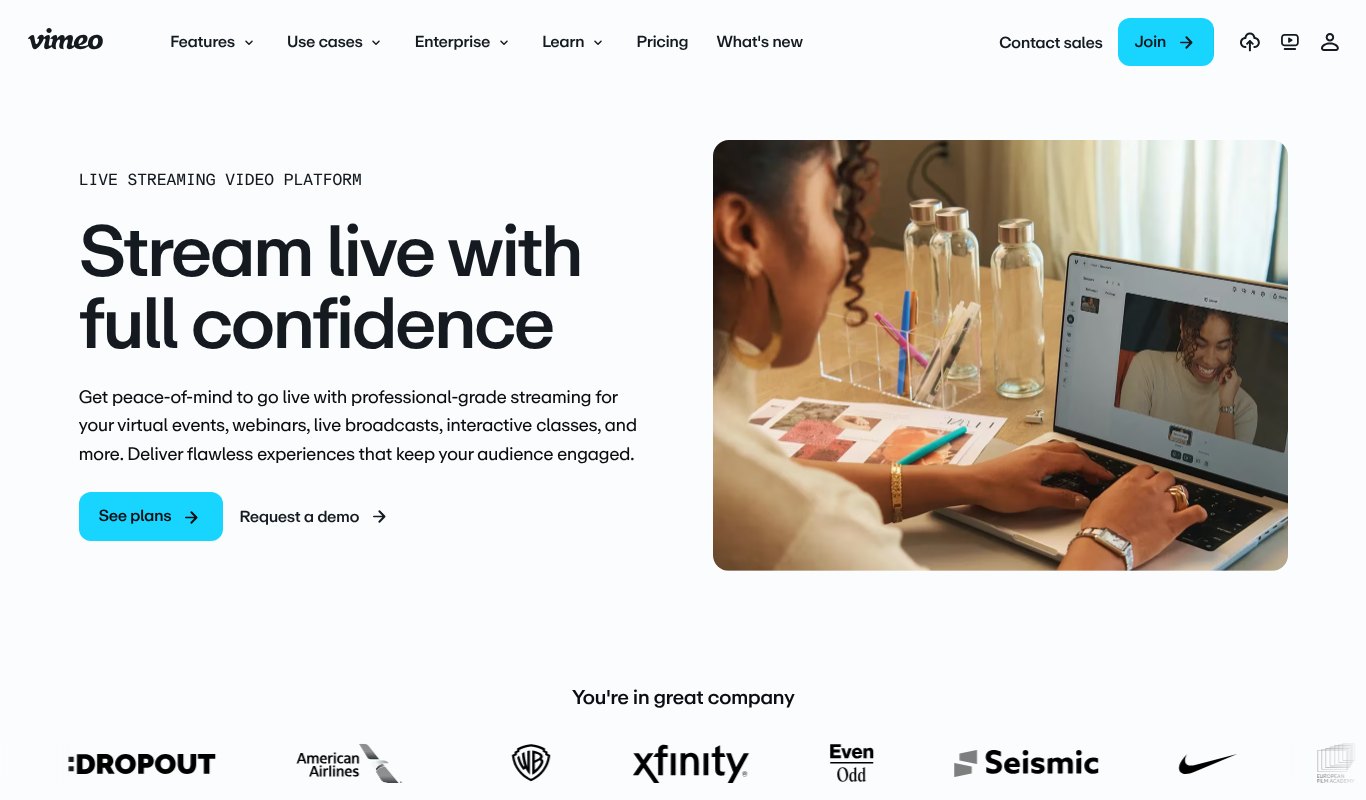
Vimeo is a polished choice for brands. Its Advanced plan adds hosted events, Q&A, polls and scheduled simulive, where a recorded video plays as a live event.
Pros
- Beautiful, ad-free player
- Event registration and Q&A
- Trusted brand
Cons
- Simulive needs the Advanced plan
- Expensive for solo creators
Pricing Free plan for hosting. Advanced, which includes simulive, is $75 a month paid yearly.
10. Wowza
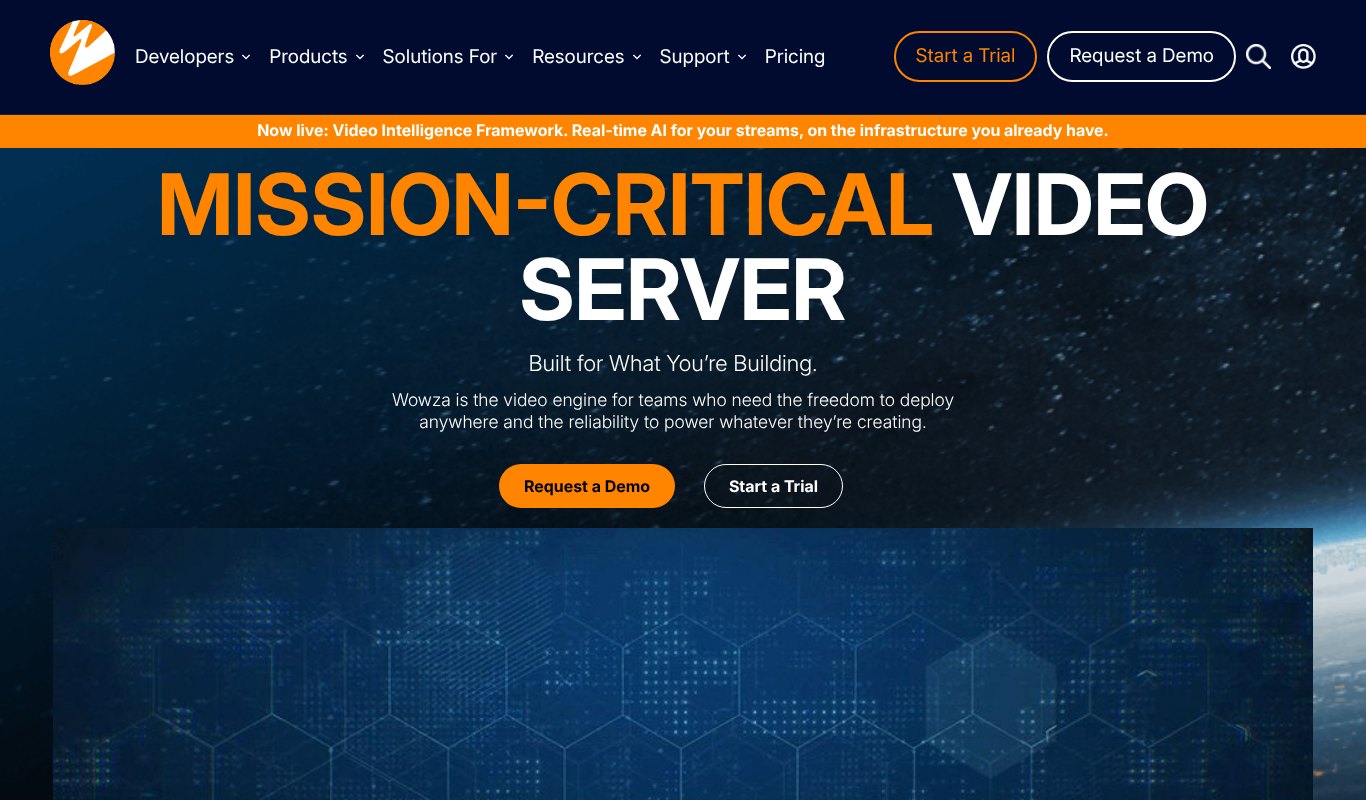
Wowza is a powerful streaming engine for companies that build their own video platforms. It's flexible and reliable, but it's made for developers and big teams.
Pros
- Extremely flexible
- Runs anywhere, cloud or your own servers
- Built for scale
Cons
- Needs technical skills
- Highest price on this list
Pricing From $195 a month.
11. YouTube Premieres
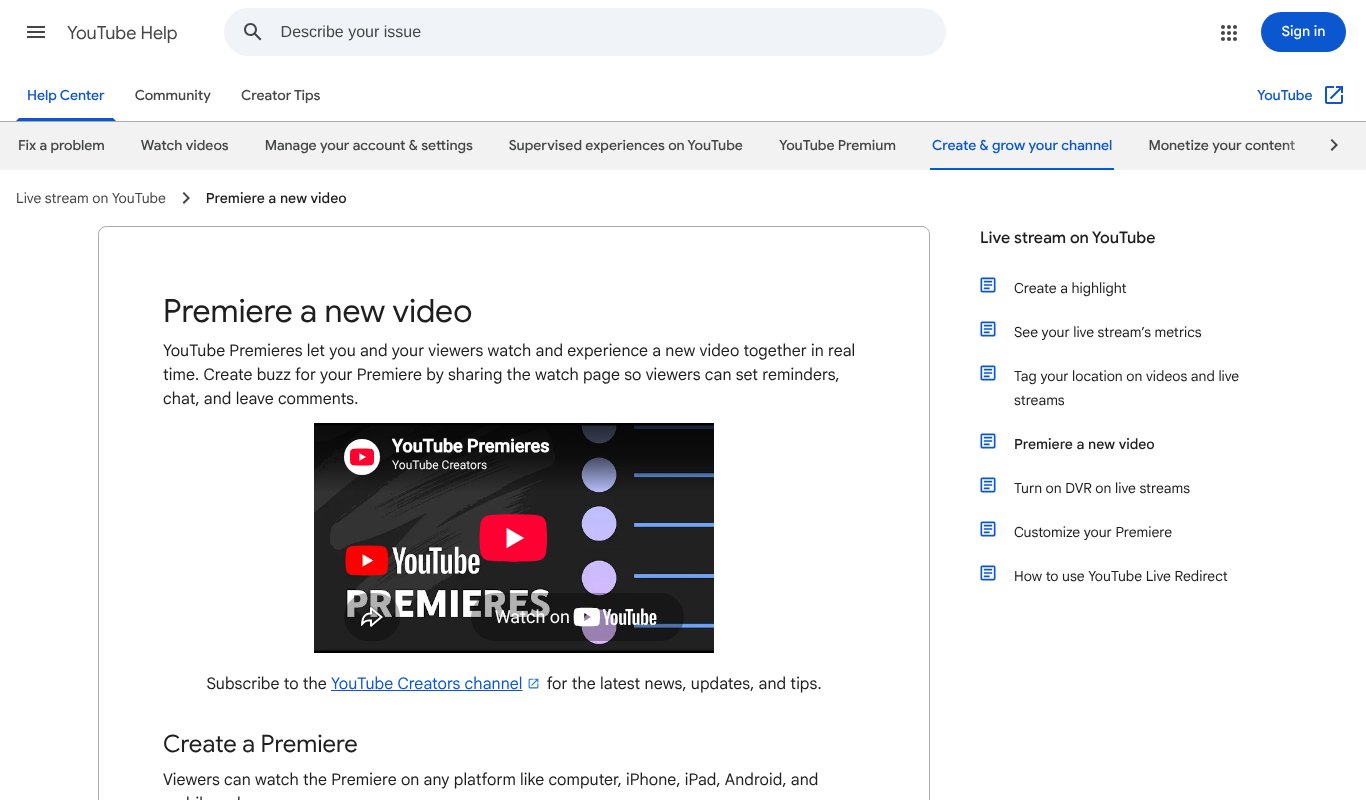
YouTube Premieres is built right into YouTube Studio. You upload a video, set a time, and it plays like a live event with a countdown and live chat. Viewers can set reminders, so you build a crowd before it starts.
It's free and simple, but it only works for one video at a time and only on YouTube. There are no playlists, no loops and no other platforms.
Pros
- Free
- Built into YouTube Studio
- Countdown, reminders and live chat
Cons
- YouTube only
- One video at a time, no 24/7 or loops
Pricing Free for any YouTube channel.
Which One Should You Choose?
You want scheduled and 24/7 streams without big monthly bills. Livecaster 24x7.
You want everything in the cloud with lots of destinations. OneStream Live or Restream.
You also do live interviews. StreamYard.
You want interactive games and polls. LiveReacting.
You sell video access. Dacast or Castr.
You run a big custom platform. Wowza.
You just want to premiere one new video on YouTube. YouTube Premieres.
Tips for Scheduling and Promoting Live Broadcasts
A scheduled stream still needs viewers. Here's how to bring them in.
- Create the event early on YouTube and Facebook so people can set a reminder.
- Share the link in your email list, community posts and stories a day before.
- Use a clear title and thumbnail, just like a regular video.
- Pick the right time for your audience. Your analytics show when they're online.
- Stay in the chat for the first few minutes if you can. Even a scheduled stream feels more personal with a real reply.
- Pin a link to your offer or next video in the description and chat.
Ideas for Your First Scheduled Streams
Replay your best webinar every week at a fixed time.
Run a 24/7 channel of tutorials, music or tips in your niche.
Stream product demos on a loop for your online store.
Turn a podcast into a live show by streaming each new episode.
Rebroadcast events for viewers in other time zones.
What's Next for Scheduled Streaming
Live keeps growing. Platforms keep adding new ways to discover live streams, and shopping on live video is booming.
Expect more AI in scheduling tools too, like automatic clips from your streams, smart start times and translated live captions. The creators who win will be the ones who stay live more often, without burning out.
Frequently Asked Questions
What is the best streaming scheduling software?
For most creators and small businesses, Livecaster 24x7 is the best value. It handles scheduled, pre-recorded and 24/7 streams for just $5.58 a month, paid yearly.
Can I schedule a pre-recorded video to go live on YouTube?
Yes. YouTube has its own Premieres feature for a single video. For playlists, loops, 24/7 channels or streaming to several platforms at once, you'll need a tool like Livecaster.
What is video on demand scheduling software?
It's software that schedules recorded videos to play at set times, either as live streams or as on-demand releases. Dacast and Castr are good examples for businesses.
Is it allowed to stream pre-recorded videos as live?
Yes, as long as you own the content and follow each platform's rules. Many brands and creators do it every day.
How long can a scheduled stream run?
That depends on the tool and the platform. Livecaster can loop streams around the clock, while some tools cap pre-recorded streams at a few hours.
Final Thoughts
Live video gets the reach. Scheduled streaming lets you have it without being glued to a camera.
Pick a tool, schedule your best videos, and let them work for you while you get on with your day.
If you want scheduled and 24/7 streams at the lowest price, try Livecaster 24x7 for just $5.58 a month, paid yearly.